Artificial Intelligence tools are all the rage right now, especially for students. More than anywhere, AI tools are reshaping classrooms around the world, from intelligent tutoring systems to AI-driven note-taking assistants.
At all levels of education, students are increasingly turning to AI tools to help further their educational goals. Tools such as ChatGPT, Microsoft Copilot, and AI-powered transcription apps can summarize lectures, generate practice problems, help with coding assignments, and even offer real-time language translation.
There’s a catch though: not every laptop is built to handle these new AI-driven tasks efficiently. If your device is underpowered, you may miss out on the full benefits of these tools, experiencing lag, storage shortages or limited features. Worse still, you might even be locked out of them entirely.
So, if you’re shopping for the best student laptop to help you leverage AI to further your education, you’ll want to pay close attention to certain laptop specs that these tools are bound to heavily rely on.
Below, I break down the three most important categories to look for when buying a new AI-ready laptop and explain why they matter, so you can choose the right AI-ready laptop for your particular educational needs.
1. An NPU or dedicated GPU is essential for on-device AI

The most significant change in computing over the last few years has been the rise of AI-accelerated hardware. Traditional CPUs (Central Processing Units) are great for general computing tasks, but AI models thrive on parallel processing. This requires breaking problems into many smaller calculations that can run simultaneously on multiple processing units. CPUs can perform these kinds of tasks, but the processing involved in machine learning and AI tasks is more intensive than most CPUs can manage efficiently.
That’s where NPUs (Neural Processing Units) and GPUs (Graphics Processing Units) come in.
NPUs are purpose-built chips designed to handle machine-learning workloads efficiently. Unlike CPUs, all they do is process AI tasks, and their specially designed circuits allow NPUs to perform these tasks at lightning speed compared to a CPU, while consuming far less power.
For students, this means that AI-powered apps, such as real-time transcription tools, smart study companions, and vision-based note scanners, can run directly on your laptop without needing to connect to the internet for cloud processing.
This is particularly useful in classrooms with limited internet access, or when you need to conserve bandwidth. Manufacturers such as Intel, AMD, and Qualcomm are beginning to release processors with built-in NPUs, while Apple’s M-series chips’ feature an NPU that Apple calls a Neural Engine. If you want your laptop to remain relevant for several years, an NPU-equipped chip is a forward-looking investment.
For more heavy-duty AI tasks, though, a dedicated Graphical Processing Unit (GPU) remains critical. Dedicated GPUs (as opposed to integrated GPUs) from AMD, Intel, and Nvidia are well-suited to handling AI model training and inference.
If you’re a computer science student experimenting with machine learning, or an art student exploring AI-powered creative apps, a GPU ensures your system won’t choke under demanding workloads.
2. 16GB memory and 256GB SSD storage are the bare minimum
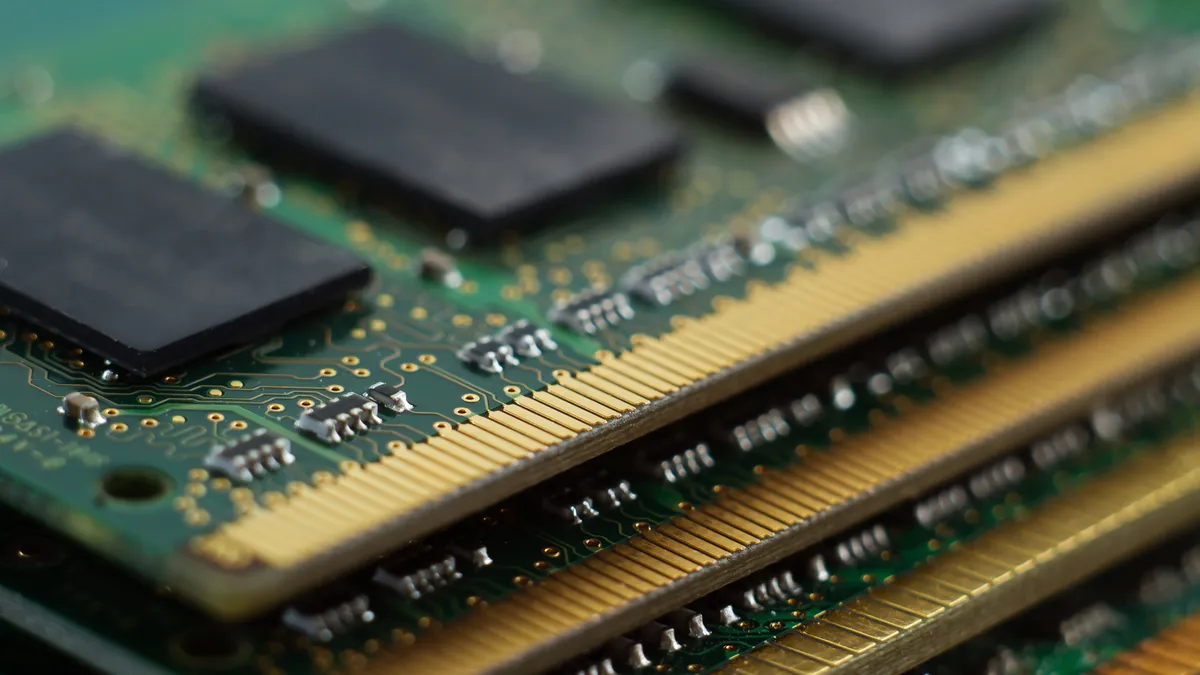
Modern AI apps such as Microsoft Copilot require a certain baseline of memory and storage in order to process the data that makes AI tools work the way they do. These two specifications, RAM and SSD storage capacity, specifically, are often overlooked in the AI conversation, but they are crucial to on-device tools working efficiently.
RAM (Random Access Memory) is your laptop’s ‘short-term memory.’ Every time you simultaneously open multiple browser tabs, run a large AI assistant, and stream a lecture, RAM ensures your laptop can juggle these tasks. Whenever an app is running, it requires a dedicated amount of RAM in order to run, and AI tasks require more of this memory space than most other apps.
Many AI tools require keeping large datasets or context windows active in memory, which can eat up the memory capacity of lesser laptops. While 8GB RAM laptops are generally cheaper, they will struggle to keep up once you have AI-enhanced apps open, if those apps will be able to run at all.
As a result, 16GB RAM has become the new baseline for on-device AI, and should be sufficient for most student AI needs. Having 16GB RAM makes sure that apps like Microsoft Copilot can analyze your documents while you still have dozens of tabs open, and it provides enough headroom for future AI features that may demand more memory.
For students in STEM or design programs, 16GB RAM likely won’t be enough, as these areas often deal with much larger datasets. So definitely consider 32GB, as this is will be able to handle any heavy student workloads fairly easily.
SSD Storage is equally critical, especially as AI-generated content – whether essays, videos, or datasets – takes up space. A Solid-State Drive (SSD) is essential because it loads data dramatically faster than older mechanical hard drives (HDDs). This means your AI tools can fetch and process information fast enough to run efficiently.
A 256GB SSD should be your minimum starting point for basic AI tasks. With the increasing size of modern operating systems and apps, smaller drives fill up quickly, so students working with media or running local AI models, 512GB or even 1TB is preferable. The good news is that many laptops now offer expandable storage through additional SSD slots or external drives, so you may be able to upgrade later if needed.

While on-device AI is rising, the majority of today’s most powerful learning tools still run in the cloud. ChatGPT, Microsoft Copilot, Google Gemini, and countless subject-specific AI apps all require a stable internet connection, so without fast, reliable Wi-Fi, even the most powerful laptop won’t do you much good.
AI-powered platforms work by sending your queries to massive cloud-based models, which then return results in seconds. A weak connection means more than just waiting longer – it can freeze during collaborative projects or cause your AI note-taker to miss important parts of a lecture.
The good news is that wireless technology has advanced significantly in the last couple of years. Laptops equipped with Wi-Fi 6, Wi-Fi 6E, or Wi-Fi 7 offer faster speeds, lower latency, and better performance in crowded environments such as lecture halls.
For most students, a laptop’s internet connection is going to be the essential lifeline to today’s most powerful AI learning resources. Prioritizing modern wireless standards ensures uninterrupted, real-time access to the tools shaping tomorrow’s classroom.