“Dad, you’ve got to try this, it’s amazing!”
You know Apple is onto something when your teenage son excitedly tells you about a new feature on his iPhone that’s arrived thanks to a simple upgrade to iOS 26.
I’m talking about a small feature that you might easily skip over when you upgrade, but it might just be my favorite thing about the new iOS 26 iPhone update. It’s called AutoMix.
When turned on, AutoMix blends the end of one song into the start of the next one, but it does so intelligently, in a way that sounds pleasing to the ear and gives each song the respect it deserves.
Sometimes AutoMix will leave a gap between songs, and other times it will overlap them or use beatmatching to change a song’s time signature to match what’s coming up next. Usually it does a good job, although tracks with false endings can definitely catch it out.
If I just take the playlist that Apple Music has created for me based on Bon Iver’s Hey Ma as an example, Bon Iver’s 29 #Strafford APTS fades out just as the four-count intro to Mumford & Sons The Wolf starts off, and they overlap as if they were meant to work together like that.
Some users have complained that using AutoMix results in track shortening, and while that is sometimes true, I haven’t really found this to be a distraction when I’ve used it. I’m more interested in waiting for one song to end and another to start so that I can hear exactly how AutoMix has mixed them together.
How to use AutoMix
AutoMix works across Apple Music on all your Apple devices, so it’s not limited to iPhone, but that seems to be where I use it most.
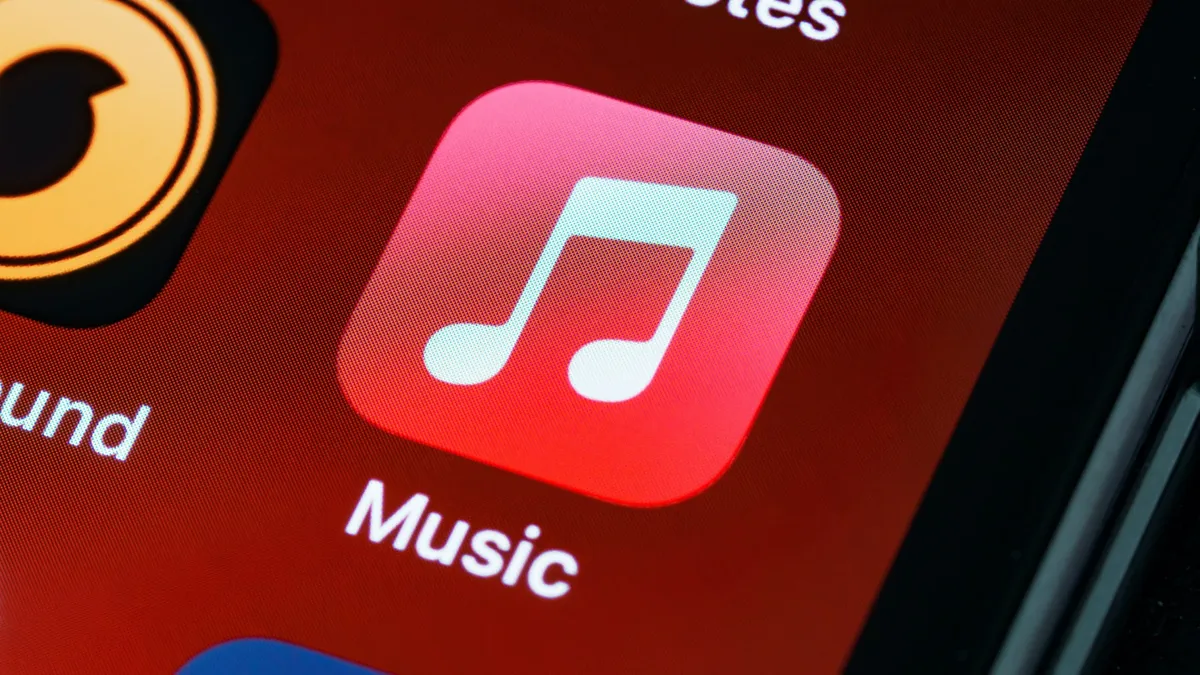
It can be turned on and off at any time by using a new toggle button that appears on the far right next to the usual player controls for looping tracks, playing continuously on an auto-generating playlist and shuffling the current playlist.
AutoMix doesn’t work on albums; it works on playlists that you or other users have created, or Apple Music stations.
It’s not clear entirely how AutoMix works its magic. Apple says it “uses intelligence”, but does that mean it’s using artificial intelligence? I think it must be. Either way, it works on iPhones that can’t run regular Apple Intelligence features, so it doesn’t require the full power of Apple Intelligence. Perhaps some AI is being done on a server somewhere in Apple land, rather than on the device?
While the exact details of how it works remain a mystery, it’s a feature that you’ll also find in Spotify, which cheekily added the feature to playlists just before the iOS 26 release so that Apple wouldn’t be the only one shouting about it amongst the best streaming music services.
Sleep detection
What I particularly like about AutoMix is that it doesn’t do anything crazy; quite often, it just leaves a beat pause between the two tracks in a way that sounds right.
In fact, it can easily lull you into a dreamlike state as your playlist start to blend together.
It’s a good job that another of Apple’s new iOS 26 features is that AirPods can now detect when you’ve fallen asleep and pause playback – I’ve got a feeling I’m going to find that feature useful in the months ahead.