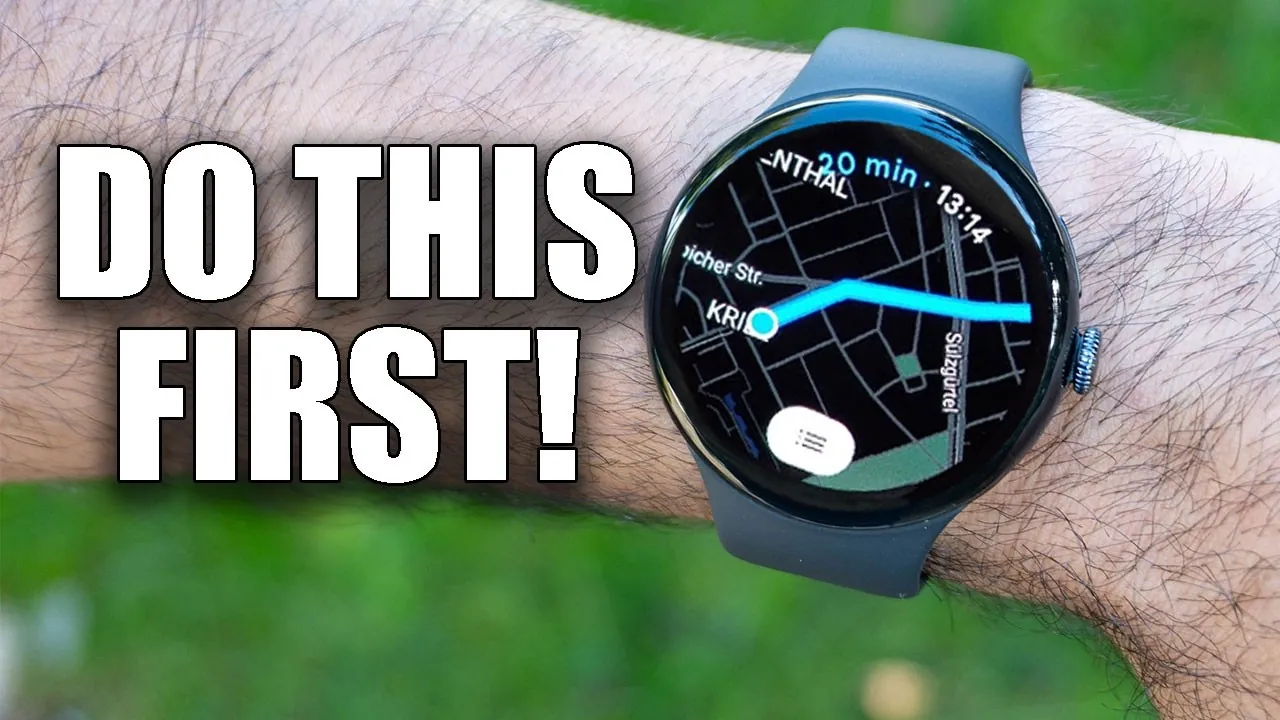
The Pixel 4 Watch is a sophisticated smartwatch designed to integrate into your daily life seamlessly. With its advanced features, it offers a blend of convenience, safety, and personalization to meet diverse user needs. Whether you’re managing calls, tracking your health, or navigating offline, this device is engineered to enhance your experience. Below is an in-depth look at its key functionalities and how you can maximize their potential in a new video from HotshotTek.

Mastering Gesture Controls
The Pixel 4 Watch offers intuitive gesture controls that simplify navigation. A swipe up reveals notifications, a swipe down opens the control center, and swiping sideways allows you to access quick toggles or widgets. The physical button and digital crown provide additional functionality, allowing you to scroll through apps, capture screenshots, or return to the home screen. These controls are designed to ensure seamless interaction, even when you’re on the go. By mastering these gestures, you can navigate the watch effortlessly and enhance your productivity.
Streamlined Call Management
Managing calls is more convenient than ever with the Pixel 4 Watch. You can answer or decline calls directly from your wrist, eliminating the need to reach for your phone. The raise-to-answer feature adds another layer of convenience, allowing you to accept calls with a simple gesture. Additionally, the watch supports call continuation, allowing you to transition seamlessly between your watch and phone during conversations. These features ensure that you stay connected without interrupting your workflow or daily activities.
Customizing Your Display
The Pixel 4 Watch offers extensive display customization options to suit your preferences. You can adjust the font size for improved readability or choose between grid and list views for app navigation. These settings allow you to tailor the interface to your liking, making sure a more intuitive and enjoyable user experience. Personalization extends to watch faces as well, with a variety of designs and widgets available to match your style and needs.
Prioritizing Safety
Safety is a key focus of the Pixel 4 Watch, with features designed to provide assistance during emergencies. Emergency SOS, fall detection, and crash detection are standout tools that can automatically alert emergency services or your designated contacts when needed. Quick access to emergency contacts and 911 dialing through specific button presses adds an extra layer of security. These features offer peace of mind, making sure help is just a button press away during critical situations.
Voice Assistant: Gemini
The Gemini voice assistant enhances hands-free functionality, making it easier to interact with your watch. With raise-to-speak technology, you can issue commands without pressing any buttons. Gemini supports a range of tasks, including setting reminders, sending messages, and checking the weather. Even when offline, Gemini can handle basic tasks, making sure you remain productive regardless of your connectivity status. This feature is particularly useful for multitasking or when your hands are occupied.
Offline Maps for Navigation
The Pixel 4 Watch simplifies navigation with its offline maps feature. You can download maps directly to the device, allowing you to explore areas with limited or no connectivity. The turn-by-turn directions displayed on your wrist make it easy to navigate without relying on your phone. This functionality is especially valuable for travelers and outdoor enthusiasts, providing reliable guidance in remote locations.
Comprehensive Health Monitoring
Health tracking is a cornerstone of the Pixel 4 Watch’s functionality. The integrated ECG app can detect atrial fibrillation (AFib), while Fitbit account integration offers detailed health insights. From step counting to heart rate monitoring, the watch provides a comprehensive overview of your fitness and well-being. It also tracks sleep patterns, stress levels, and activity trends, empowering you to make informed decisions about your health. By using these tools, you can work toward a healthier lifestyle with ease.
Seamless Device Integration
The Pixel 4 Watch pairs effortlessly with your Pixel phone, creating a cohesive and unified experience. For instance, you can use your phone to unlock the watch or locate misplaced devices using the Find My Device feature. Notifications, messages, and app alerts sync seamlessly between devices, making sure you never miss important updates. This integration enhances the overall functionality of both devices, making them work together harmoniously.
Accessibility for All
Accessibility is a priority for the Pixel 4 Watch, with features designed to accommodate a wide range of users. The vibration watch mode allows individuals with visual impairments to feel the time through wrist vibrations. Additionally, customizable text sizes, high-contrast displays, and voice feedback ensure the watch is inclusive and user-friendly. These thoughtful additions make the Pixel 4 Watch a versatile device that meets the needs of diverse users.
Compatibility Insights
While the Pixel 4 Watch is optimized for Pixel devices, it is also compatible with non-Pixel smartphones, including Samsung models. However, some features may be limited when paired with non-Pixel devices. For example, certain integrations and functionalities might not work as seamlessly. Understanding these limitations allows you to make the most of the watch’s capabilities, regardless of your smartphone’s brand.
Unlocking the Full Potential
The Pixel 4 Watch is a versatile and feature-rich device that combines advanced technology with user-centric design. From gesture controls and robust safety features to comprehensive health monitoring and seamless integration, it caters to a wide range of needs. By exploring and customizing its features, you can unlock the full potential of this smartwatch, making it an indispensable part of your daily routine.
Take a look at other insightful guides from our broad collection that might capture your interest in Pixel 4 Watch features.
Source & Image Credit: HotshotTek
Filed Under: Gadgets News, Guides, Top News
Latest Geeky Gadgets Deals
Disclosure: Some of our articles include affiliate links. If you buy something through one of these links, Geeky Gadgets may earn an affiliate commission. Learn about our Disclosure Policy.