I work out a lot, so I like to know how well I’m doing and how much progress I’m making over time. You would think that this would be a good case for artificial intelligence (AI) to step into the fray – something that could analyze all my health and fitness data and be there to applaud my improvements.
On paper, that’s what the Workout Buddy feature in watchOS 26 should do. Announced at the Worldwide Developers Conference (WWDC) in June 2025, this feature harnesses Apple Intelligence and motivates you during workouts by highlighting key achievements and milestones, including heart rate, distance covered during endurance exercise, Activity Ring progress, and more.
Apple says it’s more of an encouraging friend than a tough-loving coach. It doesn’t train your technique or tell you that you need to do better – it’s all positivity, which is great for those that need motivation.
Ultimately, Workout Buddy caught my eye. I thought it might be interesting to be told about how many miles I’ve walked over the past year, or how many minutes of strength training I’ve done. There’s a lot of insight to be found in this kind of data, and with an AI brain churning through the facts and figures, I was intrigued to know what I might learn.
At the same time, I was skeptical about the enthusiastic nature of this AI tool, as shown in Apple’s WWDC videos. Would it just fall flat, or would it actually feel good to finish a workout knowing I’ve got a virtual voice cheering me on? At the outset, I couldn’t decide which felt more likely.
Well, after using Workout Buddy for some time, I now have my answer. And unfortunately, I had to step away from this unrelentingly positive fitness friend and find some space for myself. I’m sorry, Apple, but it just wasn’t working out.
Turning it up to eleven

The problem with Workout Buddy is not necessarily its exuberant tone, but the fact that this joyful persona just never stops. In Workout Buddy’s mechanical mind, everything is a cause for celebration, no matter how tiny or inconsequential.
Often, this just feels unwarranted. For instance, it’s taken to telling me that my “consistency is inspirational.” That might have been fair if I’d have been training for a half-marathon in the sleet and snow every day without fail or repeatedly logging sessions that would really push even the fittest of athletes to their limits.
But Workout Buddy does this regardless of my chosen exercise. It’s discomforting to feel like Workout Buddy sees me as a go-getter when I’m just going for a relaxed stroll around the neighborhood. Its over-the-top admiration makes its encouragement feel facetious and its praise sycophantic.
Perhaps my reaction is due to my reserved British nature. I don’t mind encouragement – it’s important! – but I don’t need everything to be celebrated in joyous tones for all to hear. It’s hard to actually understand how you’re doing, if everything is treated as an unparalleled victory.
Workout Buggy

But that’s not the only reason I put Workout Buddy on timeout – it has also had its fair share of glitches and odd behavior in my experience. Perhaps I should start calling it Workout Buggy.
For example, for a long time I couldn’t get it to work with the Traditional Strength Training workout type, despite Apple advertising this as being perfectly compatible. With the Outdoor Walk workout, I’d get Workout Buddy’s accompaniment every time. With Traditional Strength Training? Just silence. No pep talk at the beginning, no rundown of key figures and milestones during the workout, no summary at the end.
Eventually, I managed to find a way to get it functioning. This involved starting a weights workout, swiping to reveal extra controls, then tapping the mute/unmute and stop/view buttons seemingly at random. After that, Workout Buddy chimed in.
But I shouldn’t have to do something like this for Workout Buddy to make its presence known. This doesn’t seem to be something that other people I know have experienced, which makes it all the more frustrating.
If Workout Buddy only accompanies me on half my workouts – or if it requires workarounds and button mashing to get it to function properly – then it’s not exactly making itself essential to me. The fact that it fawns over me during those sessions where it does work makes it an even tougher sell.
On timeout
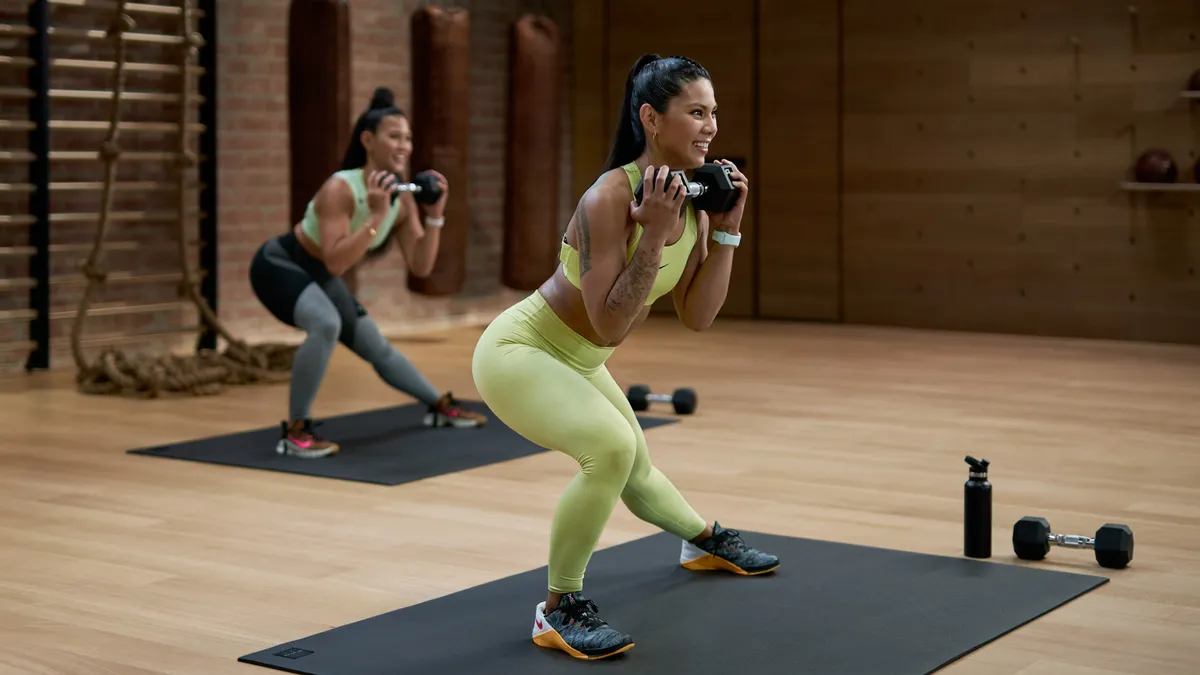
The combination of childlike hyper-enthusiasm and frustrating inconsistency means I’ve disabled Workout Buddy for now. Despite that, I’m not opposed to it in principle – in fact I quite like the idea of learning about the improvements I’m making, and AI is a good way to keep track of these figures and update me on the fly.
But the current implementation leaves a lot to be desired. Hopefully Apple will update it, fixing its glitchiness and perhaps toning down its fervent excitement. Until it does, though, I’ll be sticking to podcasts as my own workout buddy.
Follow TechRadar on Google News and add us as a preferred source to get our expert news, reviews, and opinion in your feeds. Make sure to click the Follow button!
And of course you can also follow TechRadar on TikTok for news, reviews, unboxings in video form, and get regular updates from us on WhatsApp too.