Ability to create entire presentations with just a prompt? Single prompt generation is another welcome addition to an already robust Gemini chatbot. From vernacular language support to advanced images editing capabilities, Gemini has slowly been moving towards the next phase of its AI journey. Whether this upgrade delivers what it states or it is just another presentation, we’ll figure out in this article.
The Release
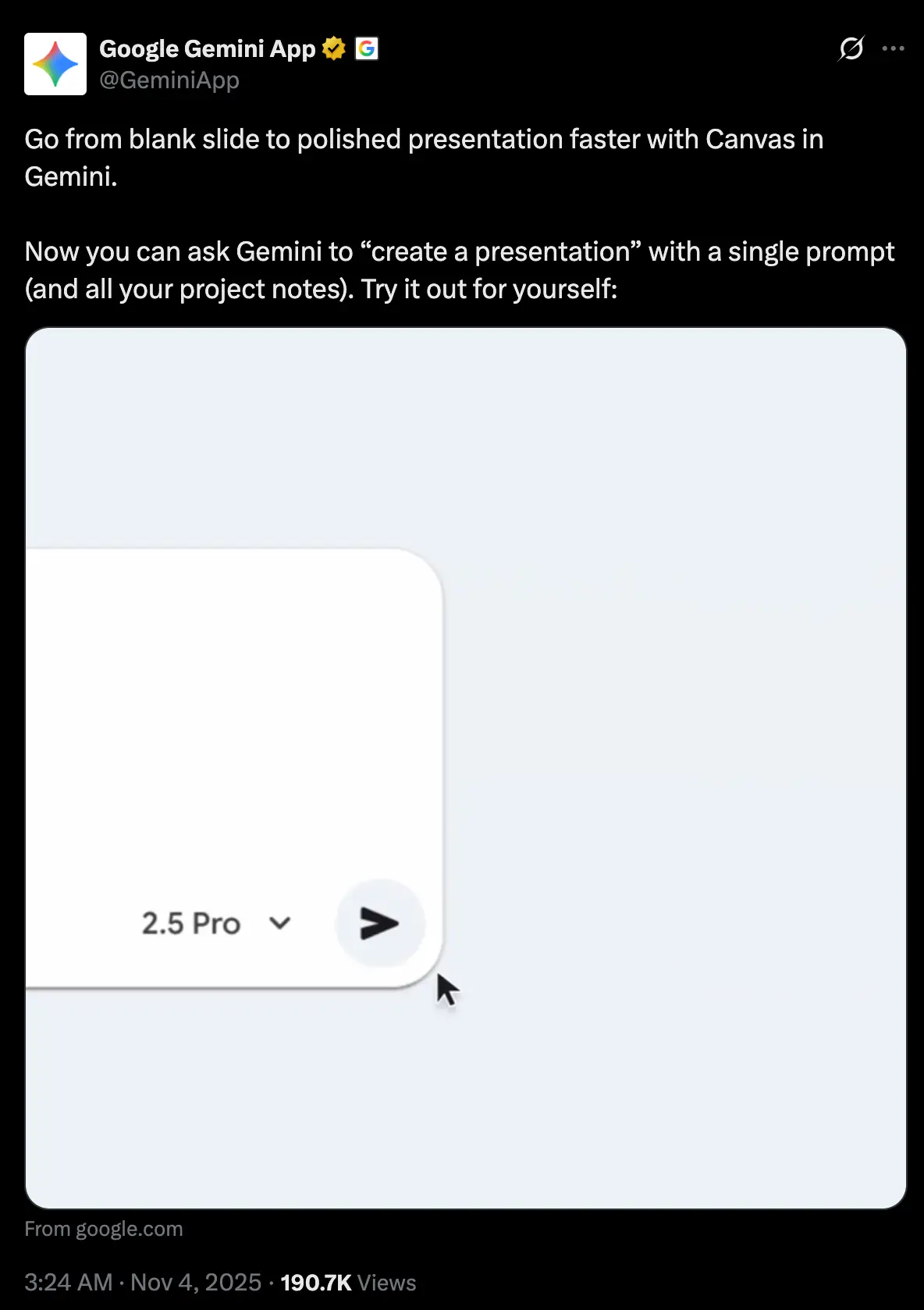
Google just announced via Gemini App’s X handle, “Go from blank slide to polished presentation faster with Canvas in Gemini” announcing the release of Presentation creation abilities of Gemini. This was a long time coming, considering most of its contemporaries like Kimi, ChatGPT have already released such functionality a while back. Which in itself was a long time coming, considering third-party tools like Gamma.app have already become a household name, due to their early adopter advantage, even before those arrived.
But now the wait is over, and we have Gemini to ourselves. Let’s see how well it performs in everyday presentation tasks.
Hands-On
I’d be testing Gemini’s presentation creation capabilities on the following tasks:
- Presentation generation from a prompt
- Presentation generation from a pre-existing document
This would test not only how good it is in synthesising provided information, but also in producing from scratch.
Task 1: Creating a Presentation from Scratch
Prompt: “Create a presentation on the topic: Gojo vs Sukuna.”
Response: The following presentation was provided as the response:
Opinion: The presentation was acceptable. It consisted of a mix of visuals and information. A lot more information in the form of slides, could have been added, but it’s a good enough starting point. One thing to note is that the slides that were obtained at the end, had .html as its extension, rather than .pdf or .pptx as we would’ve expected.
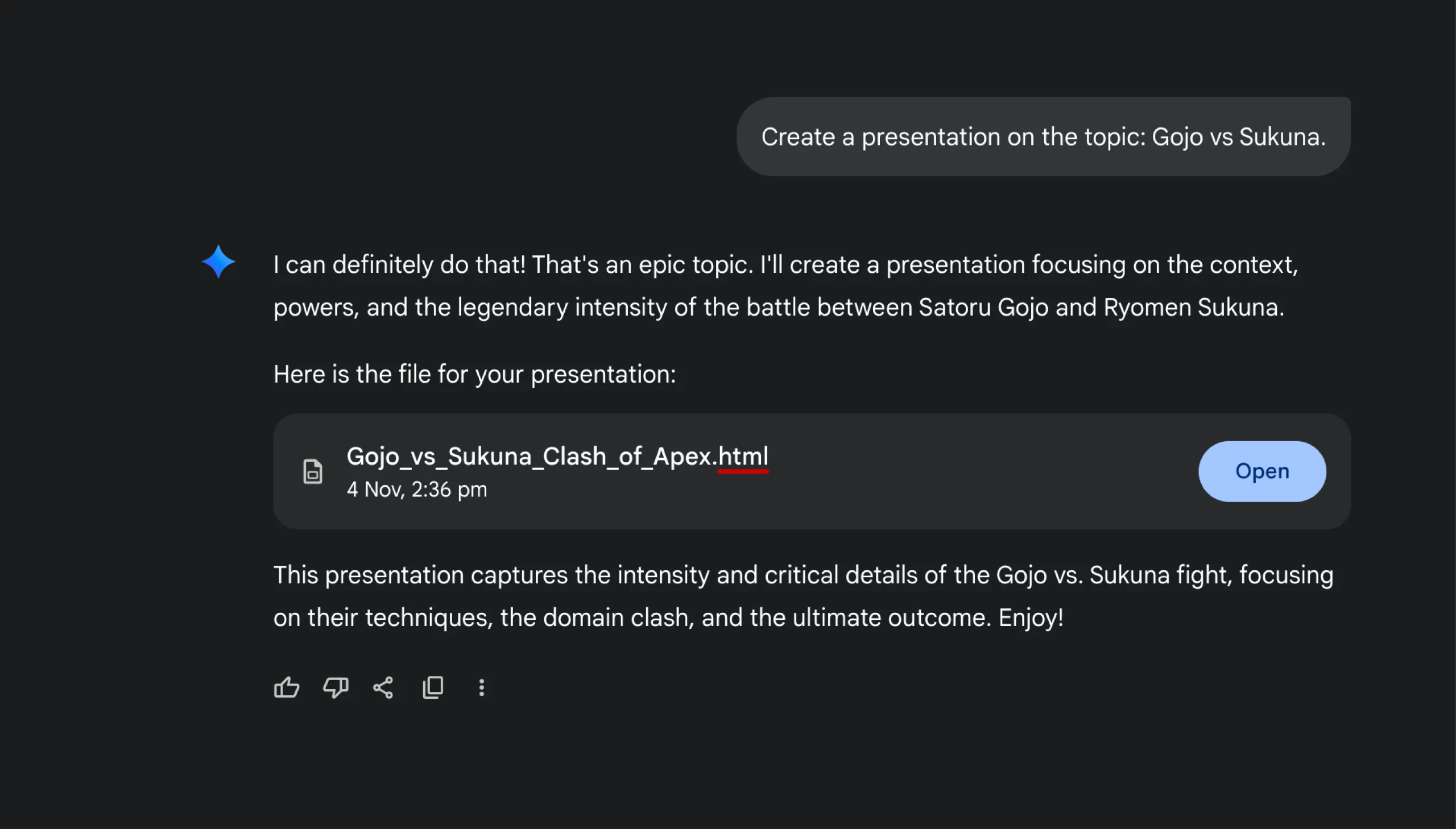
This led the download button to download the .html file. Through this html file, the slides couldn’t be obtained. This makes the download button practically useless, in this scenario.
Task 2: Creating a Presentation from a Document
Prompt: “Here is an article that I am working on. Could you create a presentation for it.”
The document provided as an input was the draft version of the following article (same contents):
How to Build a Smart AI Voice Assistant with Vapi: A Step-by-Step Tutorial
Response: The following presentation was provided as the response:
Opinion: The presentation was a clear miss from what was expected. It was on the topic “AI’s Rise in Creative Fields” whereas the docx file contained the draft on “How to Build a Smart AI Voice Assistant with Vapi”. The presentation wasn’t related to the topic by any means.
I was wondering, how would other AI-powered presentation makers fare in this specific task. For that, I provided the same document to Gamma.ai, and here’s the result:
The presentation was a lot better than the one provided by Gemini. It was a lot closer to the topic and understood the context sufficiently.
Verdict: Does it take the cake?
If it’s ease of access, then Gemini takes the cake. Offering a multitude of services and features at a centralized source. If it’s about making good presentation, then probably not. The presentation features of Gemini leaves a lot to be desired. From long production times, to lacklustre slides, it wasn’t worth the wait. Here are some of the problems I found during its use:
- No Text Emphasis: The presentations are formatting agnostic. Instead of using bold/italics and other forms of text emphasis, it uses the markdown format for it, without producing any effects.
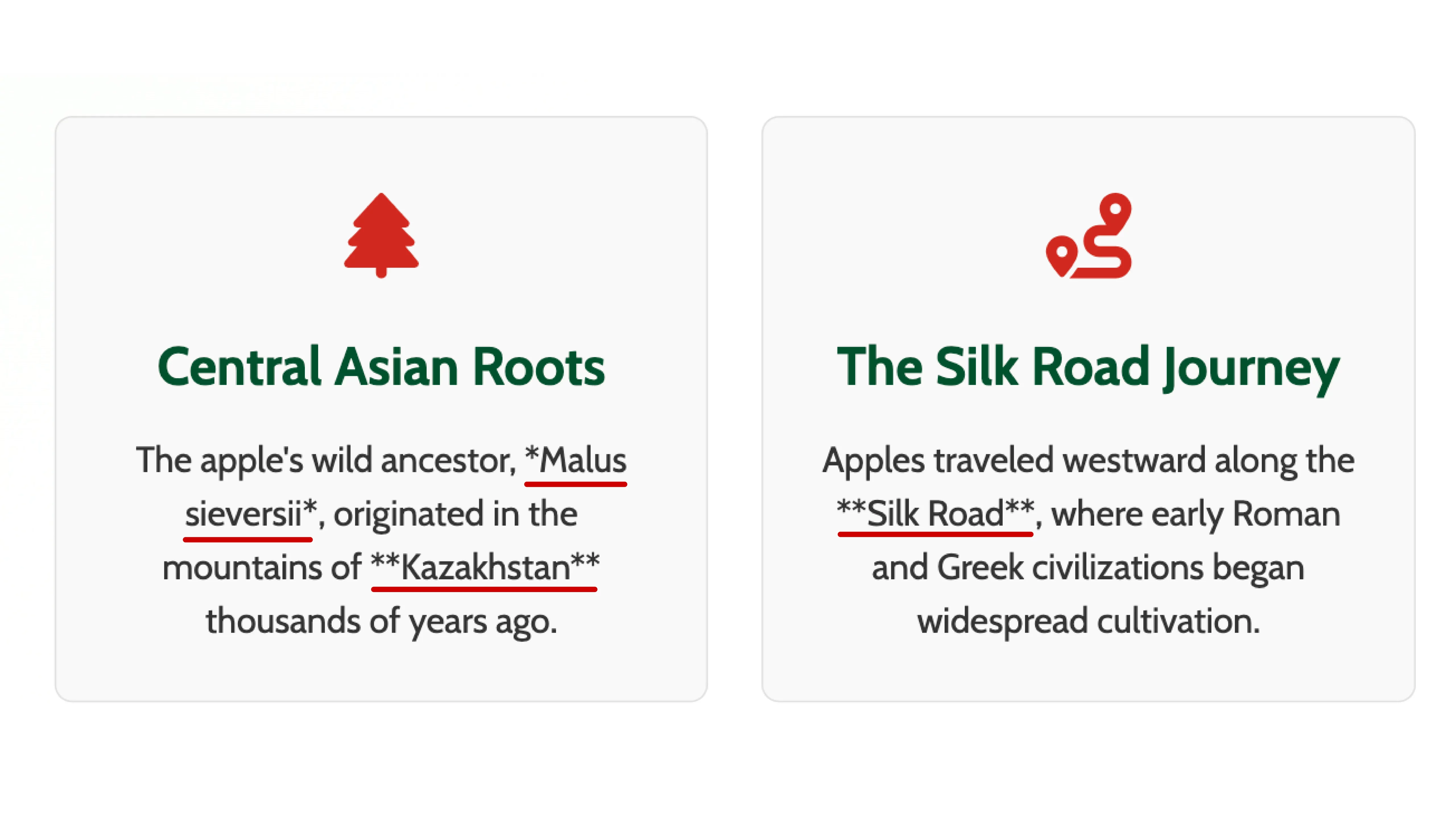
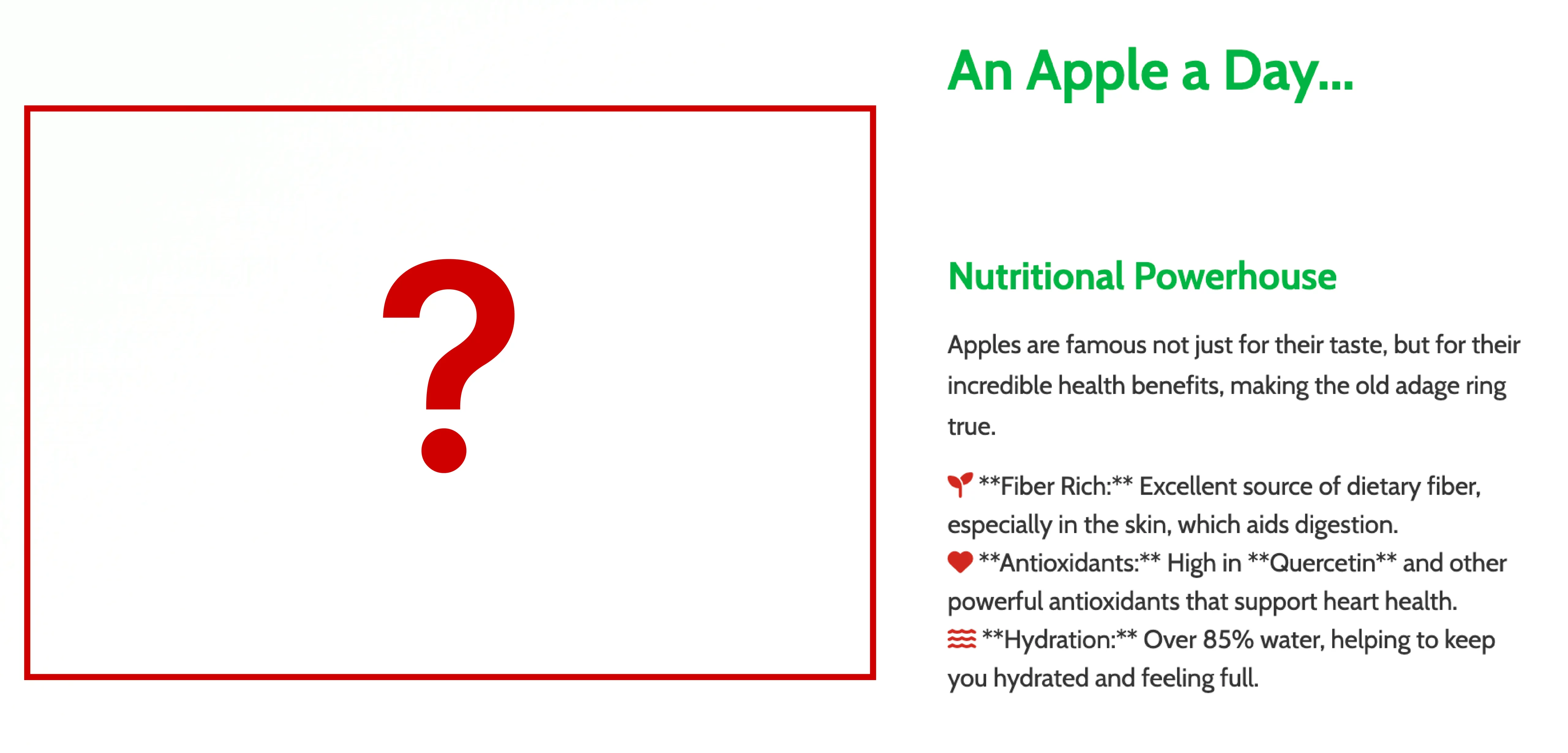
- Missing Images: Firstly, the presentations are devoid of images. The model didn’t even attempt to use AI generated images for adding some visual tinge. And at places, where it should be, present it isn’t and leaves empty spaces like the following:
- Wrong Extension: Sometimes the extension of the presentation is not the ideal one (more in task 1).

- Erroneous Reasoning: The model quite often misinterprets the topic for which the presentation is to be made. This is especially the case if the model is provided a document to read. The following is the thinking of the model, in the 2nd task:
Unless, the task is for the bare minimum likening classroom presentations, Gemini’s new presentation feature probably won’t come in handy.
Conclusion
“Create a presentation with a single prompt” is what they said. Which is true, if you’re okay with a placeholder for a presentation. It’s hard for me to realize its benefits, when Gemini fails to create a satisfactory presentation on something as simple as “Apple (fruit)”. I’d advise sticking to its alternatives, till its performance improves. If it’s a capstone for what’s to follow, then it’s a step in the right direction. Hopefully its performance appreciates with time, just like it did with nano banana.
Frequently Asked Questions
A. Yes, but expect a draft, not a polished deck. It’s useful for starting points, not final slides.
A. It tries, but accuracy isn’t reliable yet. In testing, it created slides unrelated to the source document.
A. Right now, Gemini outputs an HTML version of slides. It doesn’t properly export to PPT or PDF yet, which limits usability.
A. It trails behind options like Gamma and ChatGPT in slide structure, depth, and context understanding.
A. It’s best for quick placeholders or school-level slides. For polished, client-ready decks, choose other tools until Gemini matures. It has potential, but right now the gaps show. Treat it as a drafting tool, not a finished-product machine.

I specialize in reviewing and refining AI-driven research, technical documentation, and content related to emerging AI technologies. My experience spans AI model training, data analysis, and information retrieval, allowing me to craft content that is both technically accurate and accessible.
Login to continue reading and enjoy expert-curated content.