Yes, I do have graphic designers in my team. Though I bother them much less than before for any new image or graphic I need. Why? The same reason you are reading this article for – I have some AI tools at my behest now. Though they are not nearly as refined as my expert coworkers, the fact is, these AI image tools get the job done in no time. A single prompt, and I am ready with an image or a graphic to complement my writing.
I understand there are millions of students and professionals alike who seek such images regularly for their work. Be it for marketing, presentations, advertisements, branding, learning, or a simple image to spice up a conversation, a picture is worth a thousand words. For anyone having a similar need, here are the top 10 AI tools that you can use to generate stunning images in an instant, as I do.
But before I start with the list, here is a quick rundown on what AI tools for image generation are, for those unfamiliar with them.
These are basically AI models that excel in producing images. While the world is hooked on to the likes of ChatGPT and Gemini already, there are tools now that are inclined towards visual creativity and representation. These tools, instead of answering your queries or performing a routine task, generate images based on your instructions, which are in the form of a prompt.
E.g., you can ask an AI image generator tool to create an image of a super cool monkey ice skating on an ice rink while holding a banana, and it will do so in a matter of seconds.

Your imagination – brought to life.
Top Free AI Image Generators
To assess the capabilities of all the different image generators out in the market, we tried the following prompt:
“A vintage car parked in front of a super-modern building in the middle of a desert, with a lake in the background”
The image generators were judged on several parameters, including the image quality, the accuracy of the results, and, of course, whether they are free or not. With that, here are our top picks among the lot.
Healthy Tip: Before we start, note that AI image generators provide you with ample options to customise your image as required. You can control the number of images generated per prompt, the size and orientation of these images, as well as choose your preferred image styles from a long list of options. So, for the best results, make sure you adjust these settings before you hit “Generate.”
1. Nano Banana
Consider this the Elon Musk of AI image generation tools, which is an irony, as Elon Musk has his own AI image generator in this list. Nano Banana left millions, if not billions, flabbergasted with its image generation capabilities ever since its debut. The AI tool by Google’s Gemini doesn’t just create new images based on your prompts; it even edits existing ones, giving you the best version of any image within an instant. I wrote about how Nano Banana is the best image editor at present.
You can have a look at it here.
When Nano Banana first came out, we tried using the tool for a variety of image generation tasks. You can check out the articles below in case you are interested in any such images for yourself.
Now, for the big reveal, here is the image Nano Banana was able to generate when we used the universal prompt above.
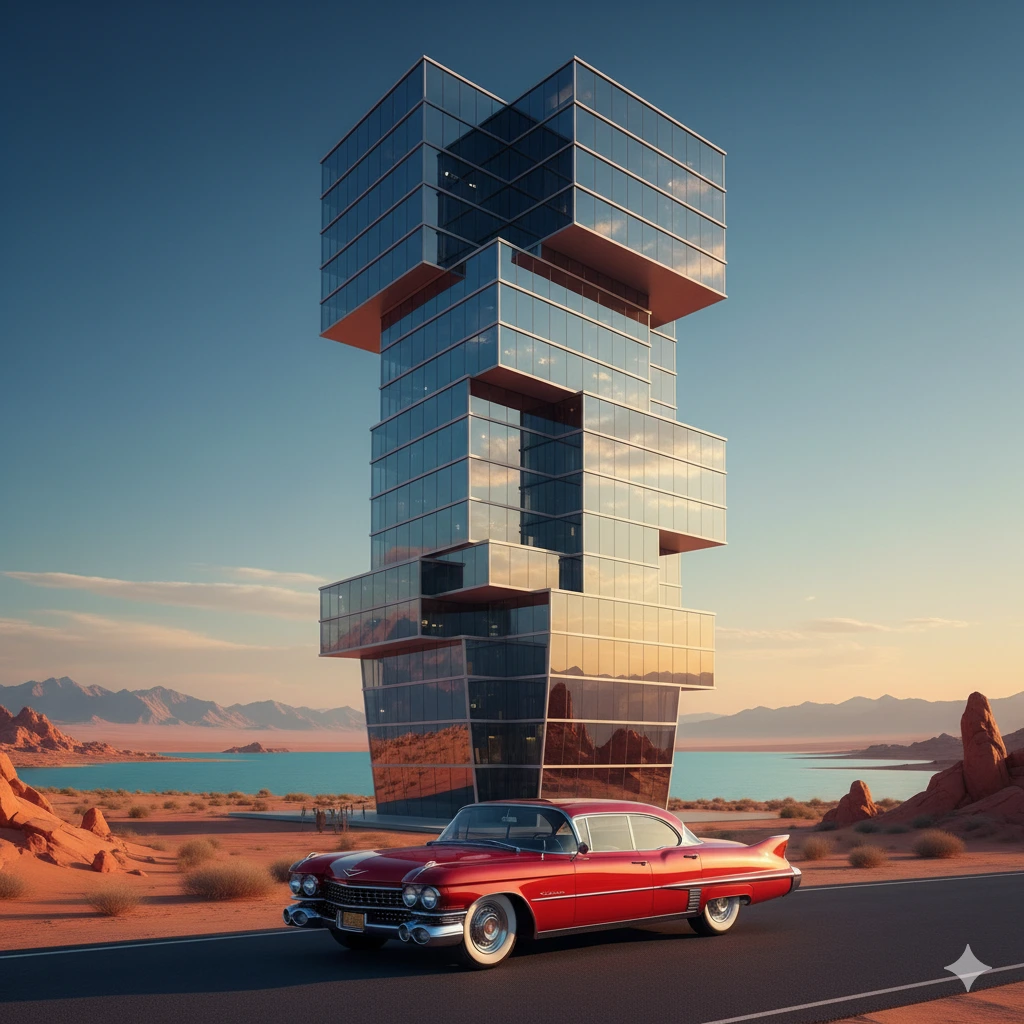
How to Access: Head on to Gemini by Google (click here), and select nano banana option from the tools section.
2. Copilot
Microsoft is making the best of its gigantic investments in OpenAI years ago. Powering almost every Microsoft tool today is Copilot, the tech giant’s AI-powered companion that is taking the world by storm. Its relevance here lies in its image generation capabilities. For absolutely free, Copilot AI image generator lets you create stunningly realistic images perfect for all use-cases you can possibly imagine.
Copilot employs a conversational approach to image generation. For instance, the AI automatically suggests the next prompts based on your conversation so far. This means you can generate as well as tweak your images as you go. Many who are just starting out, or haven’t really used AI tools before, will find this especially useful.
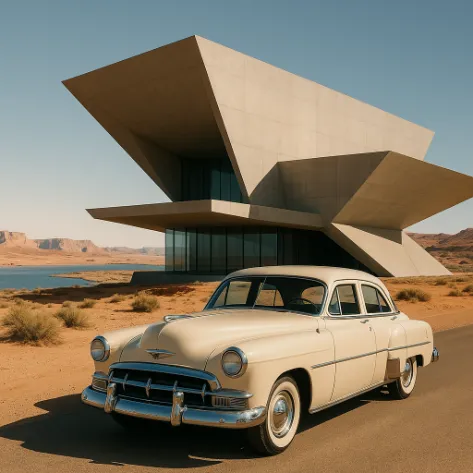
How to Access: Simply head on to the Copilot website or call on Microsoft on your Edge browser and get going.
3. Grok Imagine
Now here is the tool that I mentioned before with an official Elon Musk tag attached to it. Imagine is Grok’s visual model that helps you generate images (and even videos) with a single prompt. How is it different? Well, for starters, it produces a whole lot of images for a single prompt, meaning you have a wide range of options to choose from right from the start.
Other than this, Grok is widely considered to be one of the best and most accurate AI models out there, especially for visual aid. Give it a try, and I am sure you will find it living up to its name.

How to Access: Visit the official Grok website and select the Imagine option from the menu on the left.
4. DeepAI
Another significant mention on the list, DeepAI has been a player in the AI race for just short of a decade now. Its text-to-image generator has been popular for long now. What you will notice instantly is that DeepAI models are often simpler and older compared to top-tier platforms like OpenAI and Stability AI. While that means a tad bit less realistic images than the competition, images produced by DeepAI in no way lack quality or accuracy.
You can check out the result here by yourself and be the judge. Our take – DeepAI can do wonders for your image generation requirements if used properly.

How to Access: You can visit the DeepAI website and select their text-to-image tool from their homepage. Or simply click here to access it directly.
5. Qwen
If you’re hunting for an AI image generator that nails text-heavy visuals, look no further than Qwen-Image. Built by Alibaba Cloud’s Qwen team, this model excels at complex text rendering. Think movie posters, multi-line layouts, bilingual signage, all with crisp fonts and clear formatting.
Since it’s available open-source (Apache 2.0) and integrated on several platforms with free credits, Qwen-Image makes professional-level design accessible even to creators without high-end hardware.
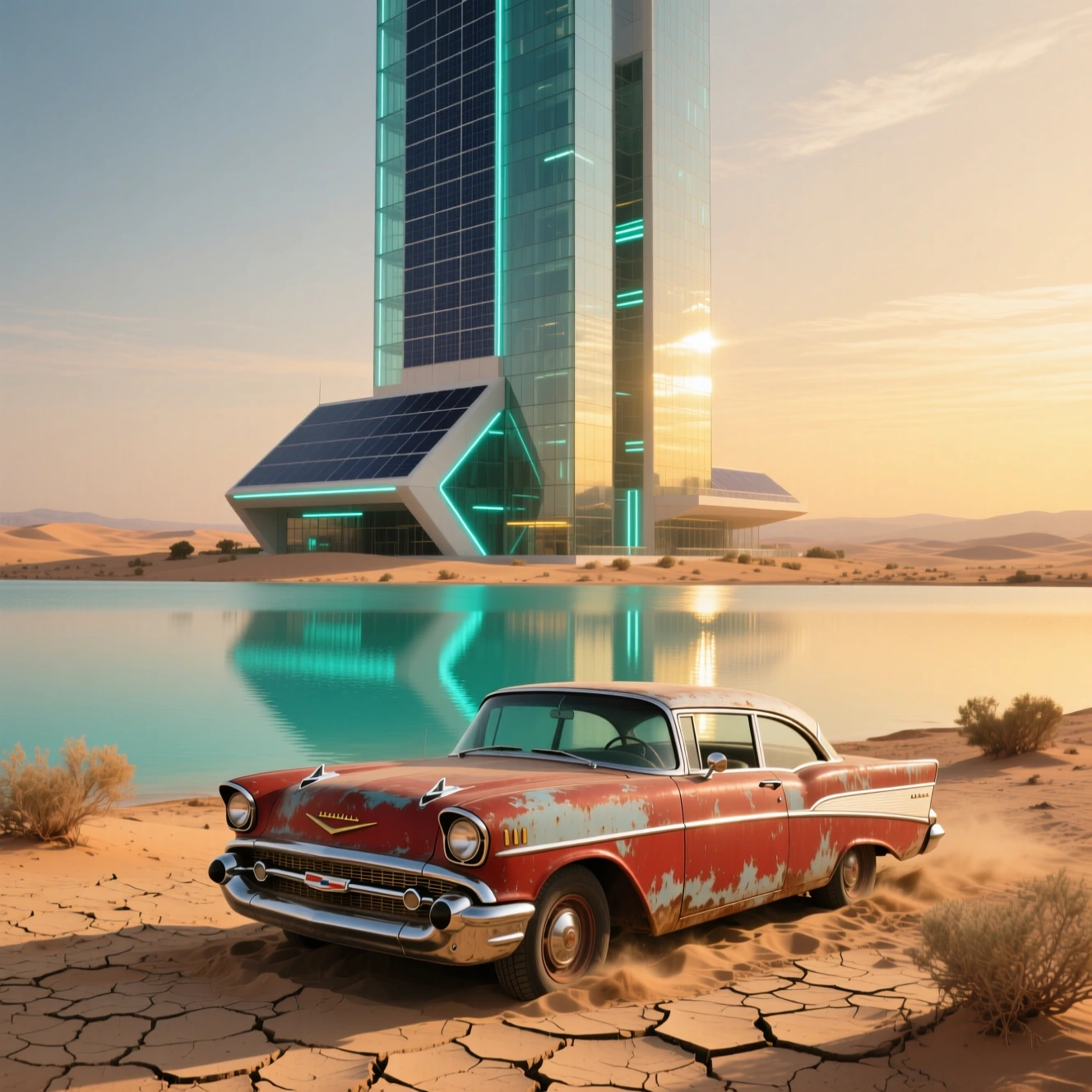
How to Access: Visit the official Qwen website and click on the Image Generation option from the tabs just below the chat window.
6. Canva
Everyone’s favourite graphic design platform made sure it did not lag behind as the world turned to AI. As AI image generators started to pop across the internet, the company was quick to launch its own, making sure its dominance in the space was never questioned. The result – Canva does not just help you sketch or edit images, it can create designs from scratch using a simple text prompt like any other tool out there.
Believe it or not, its iron-clad experience in graphic designing is visible within its AI images as well, producing some of the best text-to-images we have come across so far. Take a look!
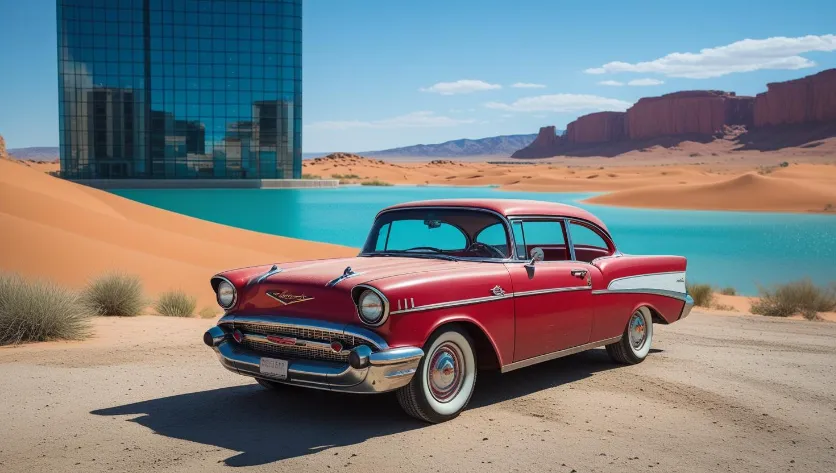
How to Access: You can simply go to the Canva website and click on Canva AI. Or you can click here and open the AI interface directly.
Also Read: 7 Things You Can Do with Canva Creative Operating System
7. Leonardo.ai
If you haven’t seen the power of Stable Diffusion first-hand, Leonardo.ai should be the first thing you try for your next AI image. Quickly gaining traction among creators worldwide, Leonardo.ai is widely popular for its hyper-realistic images that are bang-on with the prompt provided. With easily one of the best results in this list, and a generous free tier for your everyday creative needs, Leonardo.ai will surely and quickly become your go-to AI tool for image generation.
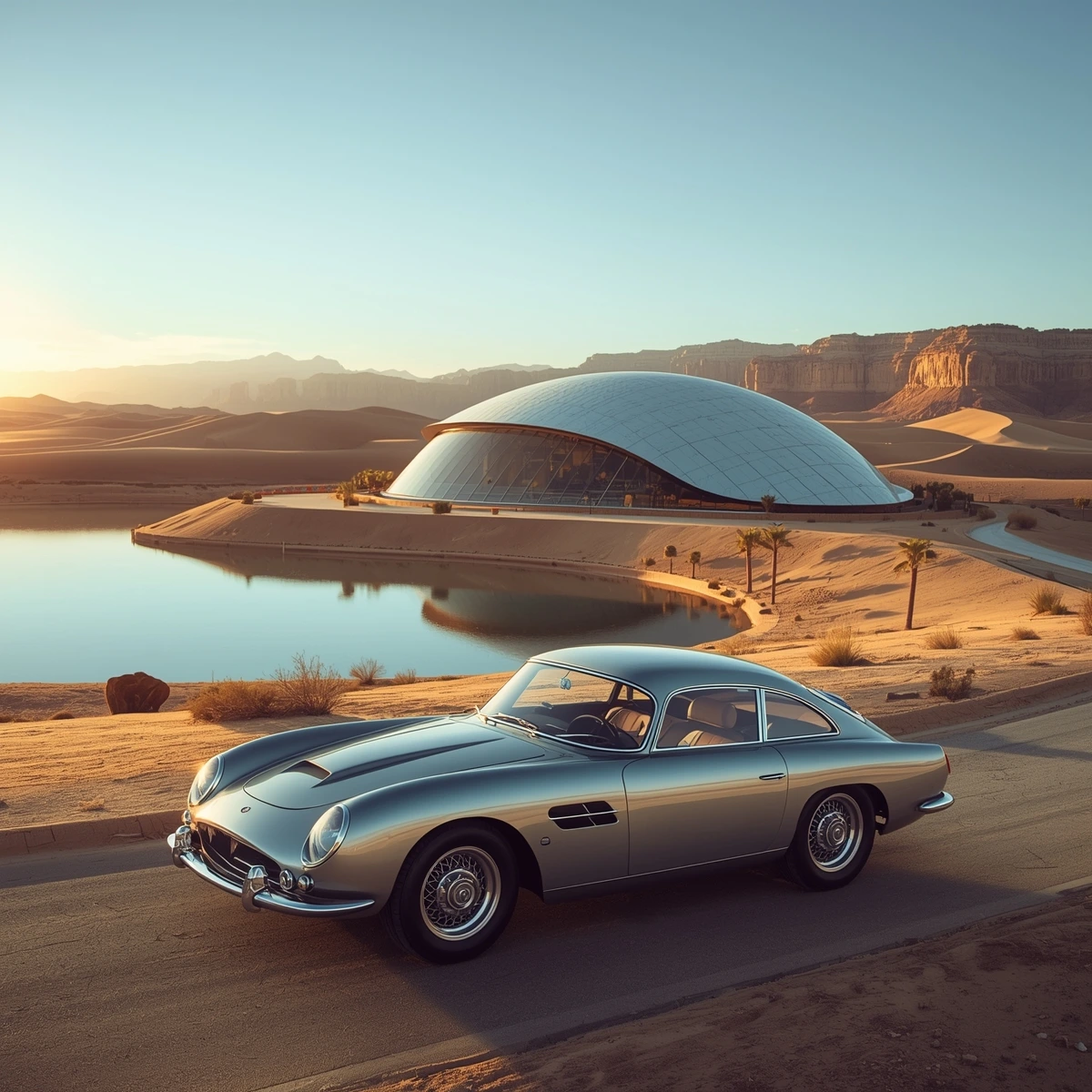
How to Access: You can go to Leonardo.ai. Click on Get Started, and select Image under the AI Tools to access the image generator. Or you can simply click here and get started right away.
8. Sora
Sora is the graphical cousin of my personal favourite AI tool of all time – ChatGPT. Hailing from the house of OpenAI, Sora brings a level of quality to its output that cannot be matched easily. The understanding of deep contexts and turning them into accurate visuals is what Sora excels in.
With quite a few options for the type of output it can churn out, Sora can help you generate images in different aspect ratios and visual types. Some of these include ‘Archival,’ ‘Whimsical,’ and my favourite – ‘OpenAI Superbowl Commercial.’
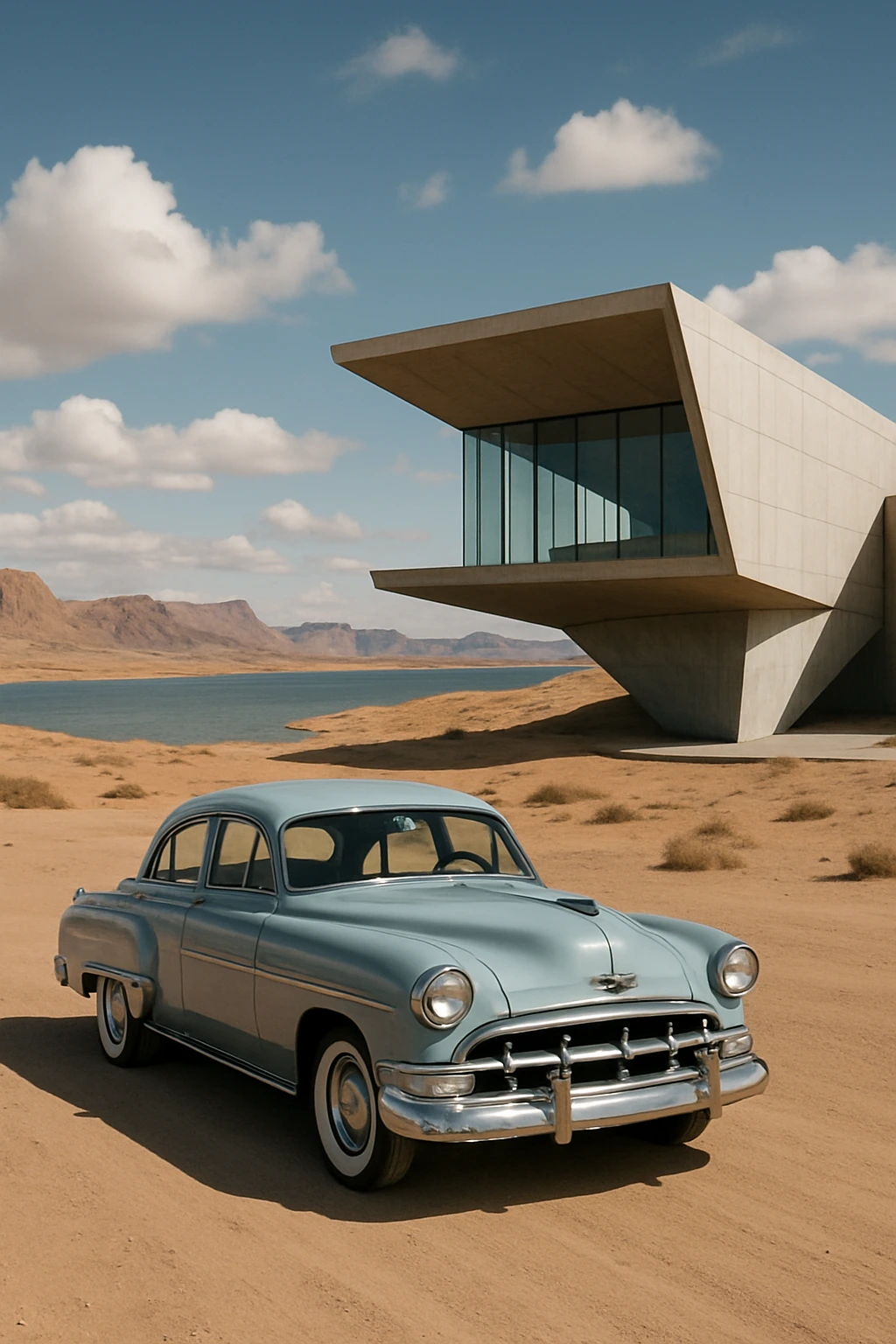
How to Access: Visit the official Sora website by clicking here. Once on it, you can select ‘Image’ as type from the drop-down menu within the chat window.
9. Mage.Space
In addition to being super realistic and accurate, the image generated by Mage.Space was highly detailed. One look at it and you instantly see the nuances it has managed to capture from the prompt, and generate an image just as perfectly. This is one of the most accessible and easy-to-use AI tool for image generation that is not a mainstream name just yet.

How to Access: You can head over to mage.space and get started with your image generation right away.
10. Ideogram
This one is an interesting mix of an AI image generator and a diagram maker. While being able to produce high-quality, hyper-realistic images for regular use, Ideogram can also generate diagrams for your presentations or data-backed projects. Simply ask it to generate what you wish, and it comes up with 4 iterations of it in no time.
Ideogram is my go-to AI tool for images that require a bit of text or a visual representation of data and numbers.
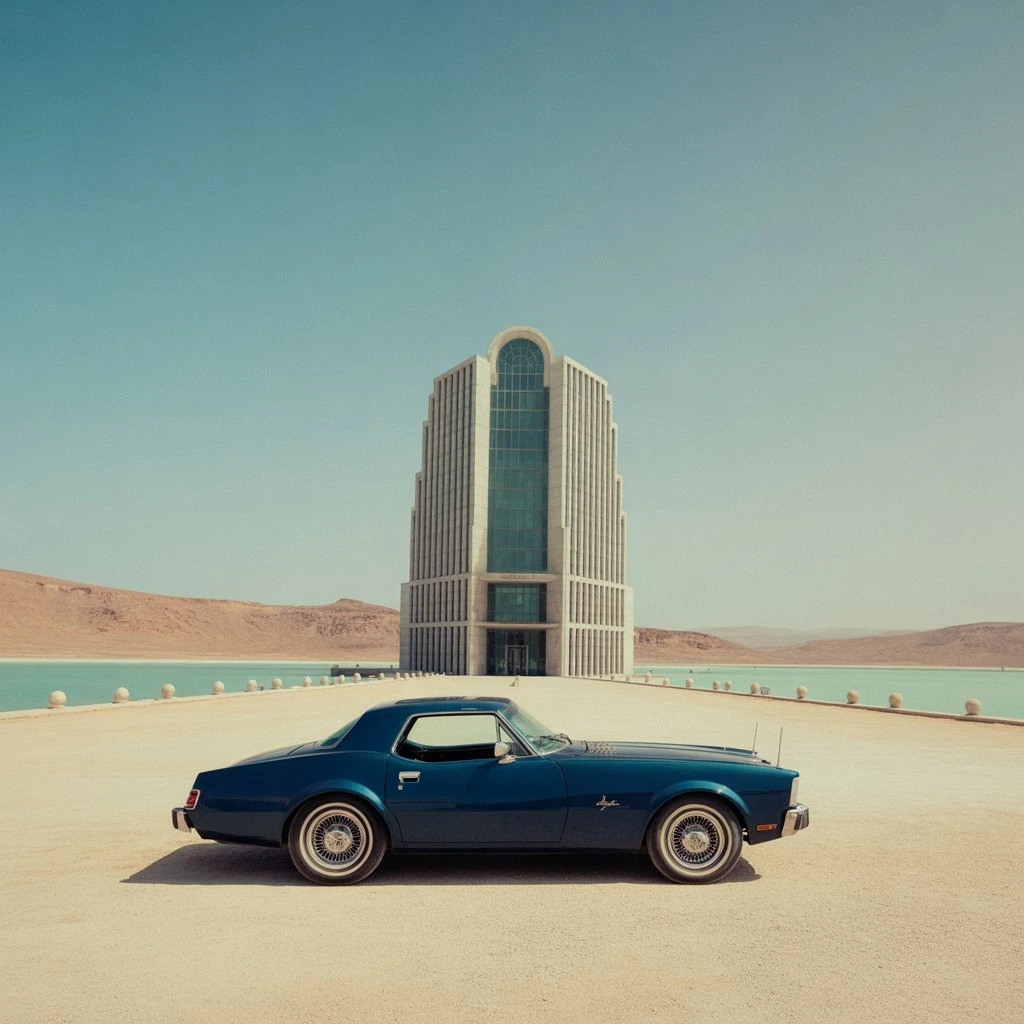
How to Access: You can visit the Ideogram official website and start generating images straightaway by feeding your prompt in the chat window.
Conclusion
As they say, if you don’t evolve with time, you will fall behind for sure. This is even more true in the case of image generation than anything else. AI image generation tools have gone far beyond the capabilities of average humans. Unless you are an ace graphics designer, chances are, your AI will produce better, tailored images than you can ever come up with yourself.
With that in mind, treat them as a highly advanced tool, and not competition. Once you learn the ways of AI for image generation, there is no going back. For your learning curve through all this, we are here to guide. Just let us know what you would want to learn next in the comment section below, and we’ll do our best to have your back.
Login to continue reading and enjoy expert-curated content.