It’s finally here! Gemini 3, Google’s flagship AI model is out. But all the tech talk in the world doesn’t mean a thing if you can’t figure out how to actually use it. This article would not only help you to access it, but would also provide different ways of doing so. This would cater to different audiences with varying technical abilities. So without further ado, let’s jump into it.
Let’s cut through the confusion. You don’t need to be a coding wizard or have a supercomputer in your basement to get started (being one does increase the options, though). Here are the ways in which you can get access to Gemini 3 for free:
The most accessible way: Gemini App
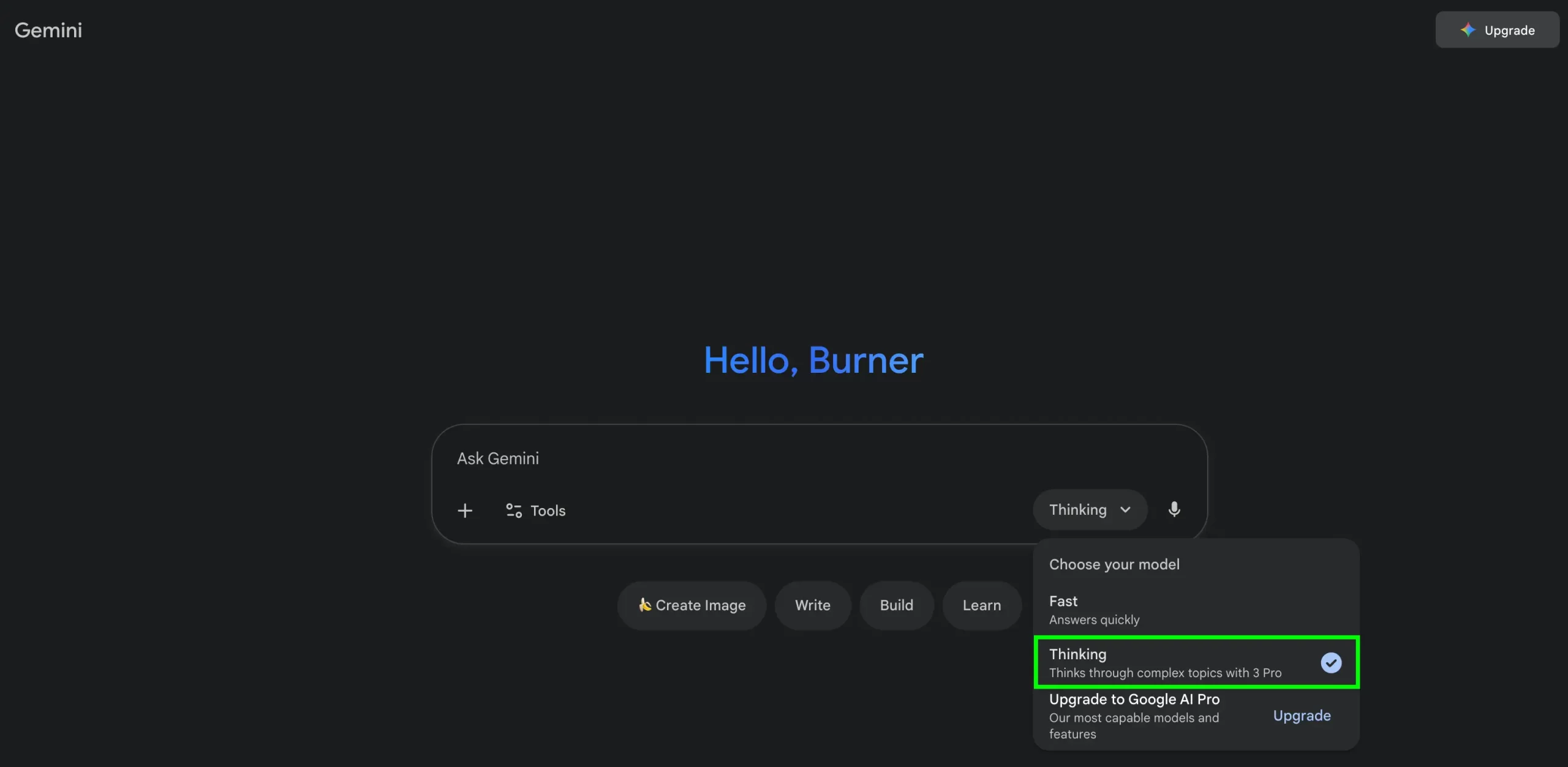
The easiest way to access Gemini 3 would be using the Gemini App or using the browser-version of the Google Gemini app at gemini.google.com. The app now runs on Gemini 3. It is open to all, but users with Gemini pro subscription can select Thinking mode for longer, deeper responses. The experience feels more structured and more expressive.
The easiest way: AI Mode
You can access Gemini 3 using the new AI Mode where you can switch to a Gemini 3 powered view. Where previously it was limited to the older iterations of this model, now it supports Gemini 3. This mode can explain, summarise, plan and create structured answers that go beyond simple search results. There are two ways of accessing AI mode:
- Search Interface: Just do a Google search and select AI mode from the results

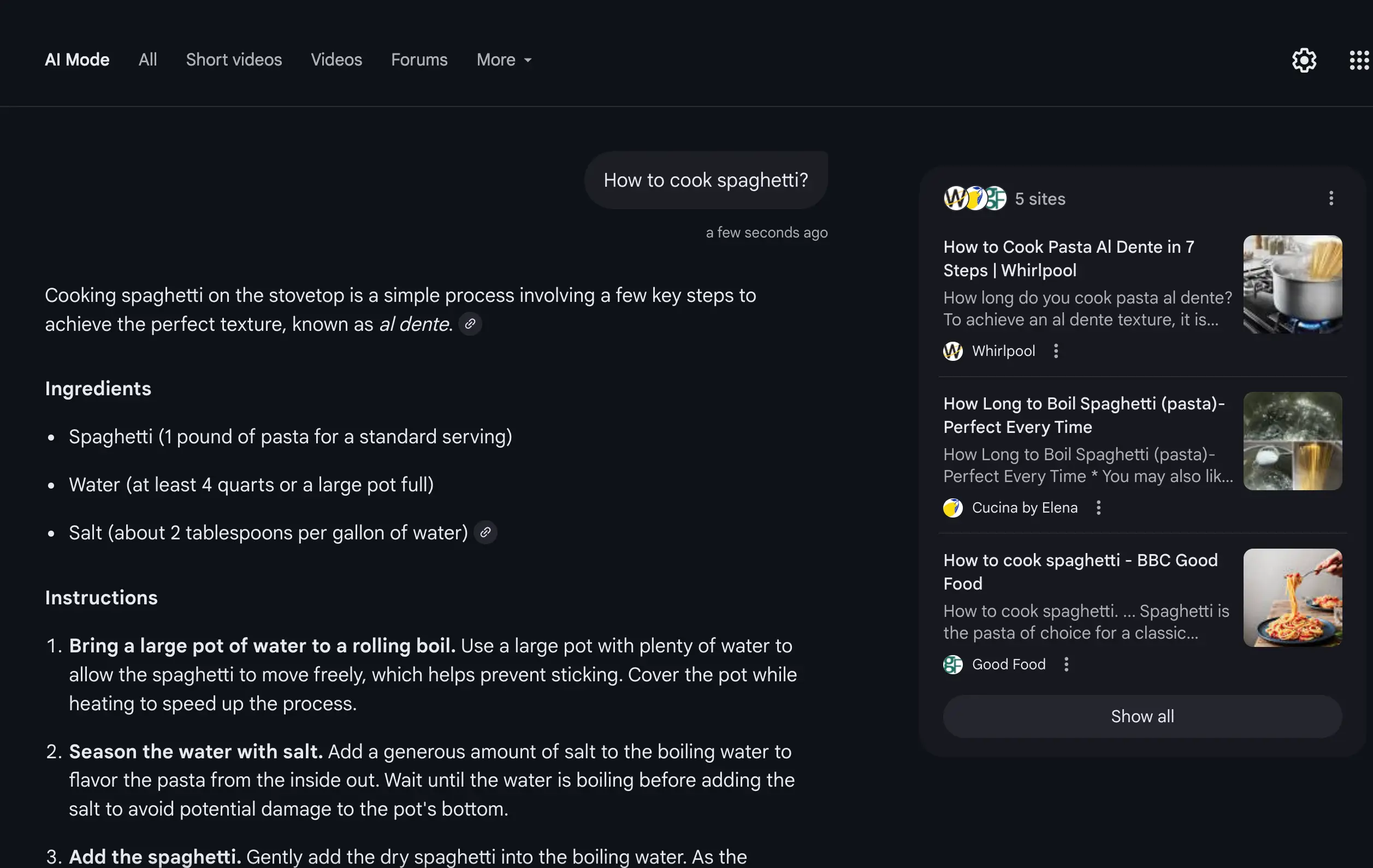
- Web Interface: Visit https://www.google.com/search?udm=50&aep=11

I would suggest using it in the former manner, to get seamless help in your search.
The Tech friendly way: Gemini CLI
Gemini CLI allows developers to interact with Gemini 3 directly from the terminal. It’s currently limited to Google AI Ultra subscribers or those having the paid Gemini API key. You can generate code, scaffold apps, analyse files and run agent level tasks without leaving your workflow. You can find more about it in the official documentation of Gemini 3.

The Most Functional Way: Google AI Studio
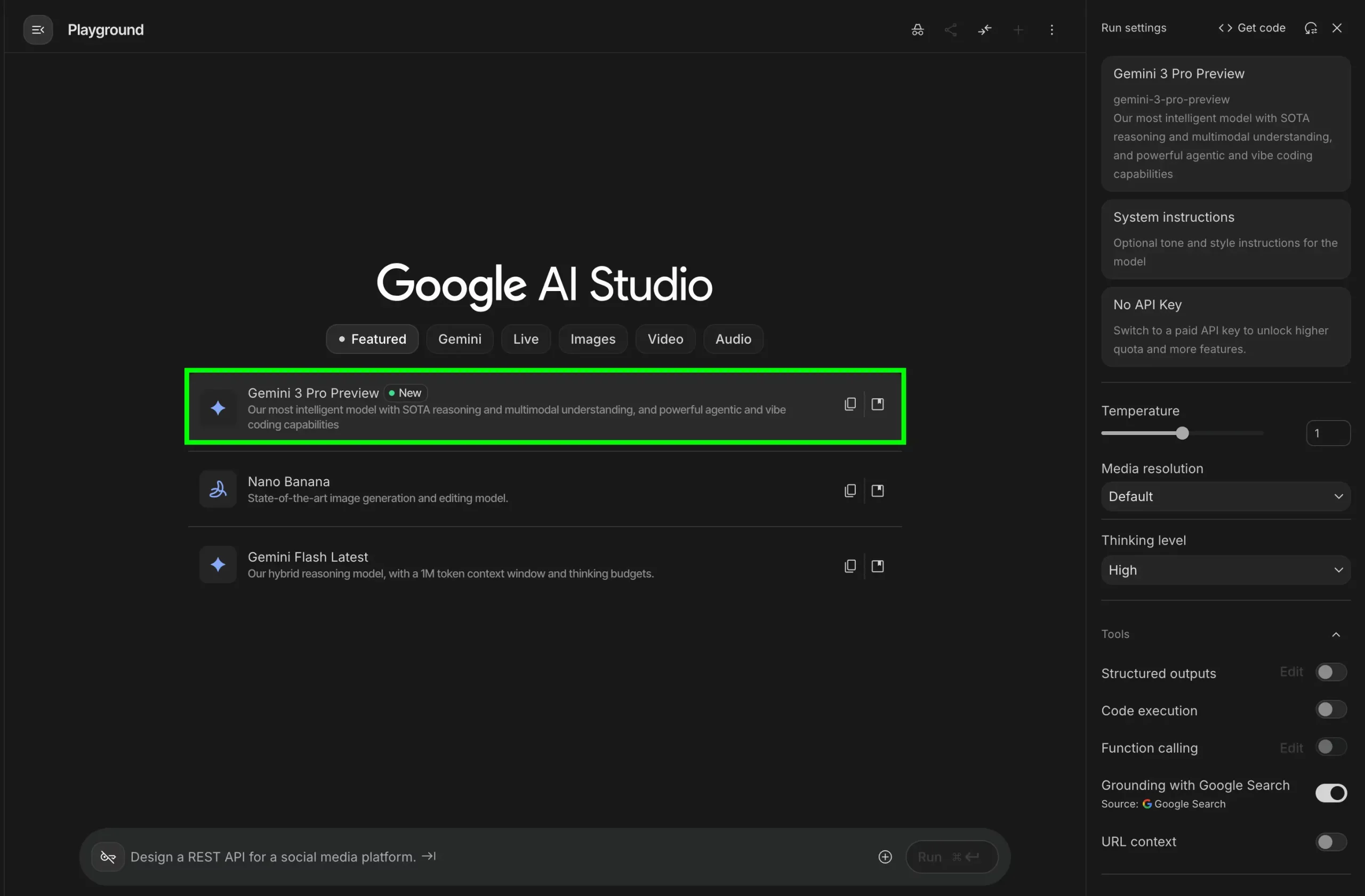
Google AI Studio also supports Gemini 3. You can test multimodal inputs, explore agentic behaviors and export working code directly to their applications. This is my favorite way of accessing any new model released by Google, as it provides not only a singular interface for accessing them all (even the older models), but we can tune the Run settings to get responses tailored to our requirement. This is one of the simplest ways to experiment with the new model without writing code.
The Controlled Way: Google API
As always, Google has offered access to their model via API. Developers and teams can access Gemini 3 Pro inside Vertex AI. The API costing is as follows:
But there is a catch. You can use Gemini 3 for free using Google Studio API. You can create your Google Studio API key from here.
How to Choose?
The motive is clear. Google isn’t gatekeeping its magnum opus to the ones who are aware of its coming. Instead they’re trying to deliver it to everyone at whichever — tool or medium — they want it on.
Ultimately, there’s a path for everyone. From the casual curiosity of the Gemini app to the deep creative control in Google AI Studio, there isn’ t an entry barrier to Gemini 3. You are no longer at bay, due to paid subscriptions. With several ways of getting in, the choice depends upon your use case.
Frequently Asked Questions
A. Use the Gemini app or the browser version at gemini.google.com. It now runs on Gemini 3 and supports Thinking mode for Pro users.
A. Switch to AI Mode. You can pick it directly from any Google search results or visit the dedicated AI Mode link.
A. Developers comfortable with terminals. It requires a paid API key or Ultra subscription and lets you generate code, analyse files and run workflows.
A. It gives a hands-on space to test multimodal inputs, adjust run settings and export working code without writing any from scratch.
A. Yes. While Vertex AI access is paid, Google Studio offers a free API key that lets you experiment with Gemini 3 at no cost.

I specialize in reviewing and refining AI-driven research, technical documentation, and content related to emerging AI technologies. My experience spans AI model training, data analysis, and information retrieval, allowing me to craft content that is both technically accurate and accessible.
Login to continue reading and enjoy expert-curated content.