Windsurf and Cursor have been amazing AI-assisted vibe coding tools so far. They provide smart autocomplete and coding assistance that have contributed to software development productivity worldwide. But the newly launched Google Antigravity has now raised the bar significantly. How? It reimagines the entire coding experience with an agent-first architecture. This platform transforms AI assistance from a simple tool into an active development partner, capable of independently planning, coding, and validating software tasks.
Google’s Antigravity represents a leap forward in AI-driven software development. In this blog, we explore Antigravity and use it to implement a small idea and see how capable it is.
What is Google Antigravity
Google Antigravity is a next-generation agentic development platform powered by Google’s recently most powerful AI models to date from the Gemini 3 family. It serves as the home base for software development in the emerging era of autonomous agents, allowing anyone with an idea to experience a rapid liftoff, turning that idea into reality.
Antigravity offers an agent-first Integrated Development Environment (IDE) where multiple AI agents autonomously plan, code, test, and deploy software tasks simultaneously across the code editor, terminal, and browser.
It is currently available in public preview at no charge, with Gemini 3 Pro usage limits.
Antigravity Key Features
Here are the key features of Google’s all-new Antigravity:
- Agent-First Architecture: Autonomous AI agents can operate across editor, terminal, and browser so that agents can independently plan and execute complex software development tasks with minimum human intervention.
- Multi-Agent Collaboration: It can run multiple agents asynchronously and manage subtasks in parallel, enabling scalable and efficient workflows.
- Browser Integration: Antigravity gets integrated into the browser directly for live testing, validation, and interaction with web applications.
- Artifact Generation and transparency: It provides clear progress reports, task lists, implementation plans, screenshots, and walkthrough videos in Markdown format for full transparency and easy verification of agent activities.
- Powered by Gemini 3 Models: Antigravity uses state-of-the-art Gemini 3 Pro AI for advanced reasoning, tool usage, and robust coding capabilities.
How to install Google Antigravity
You can install Google Antigravity on your system by simply following these instructions:
1. Go to the official Google Antigravity website to find the download button on the top-right.
2. Choose the installer for your OS (macOS, Windows, or Linux).
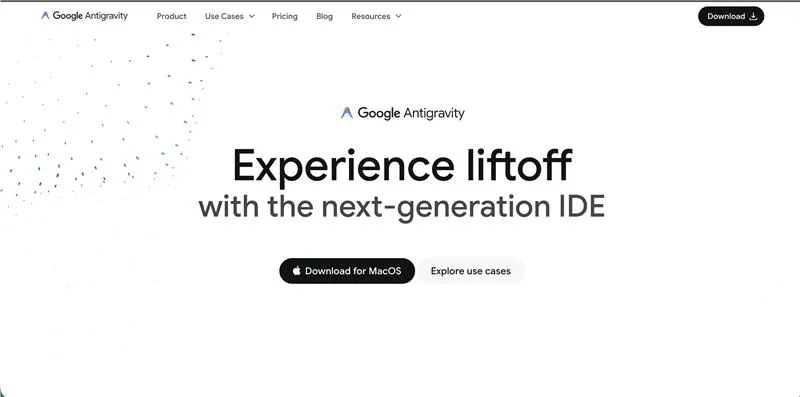
3. Run the installer and follow the setup instructions.
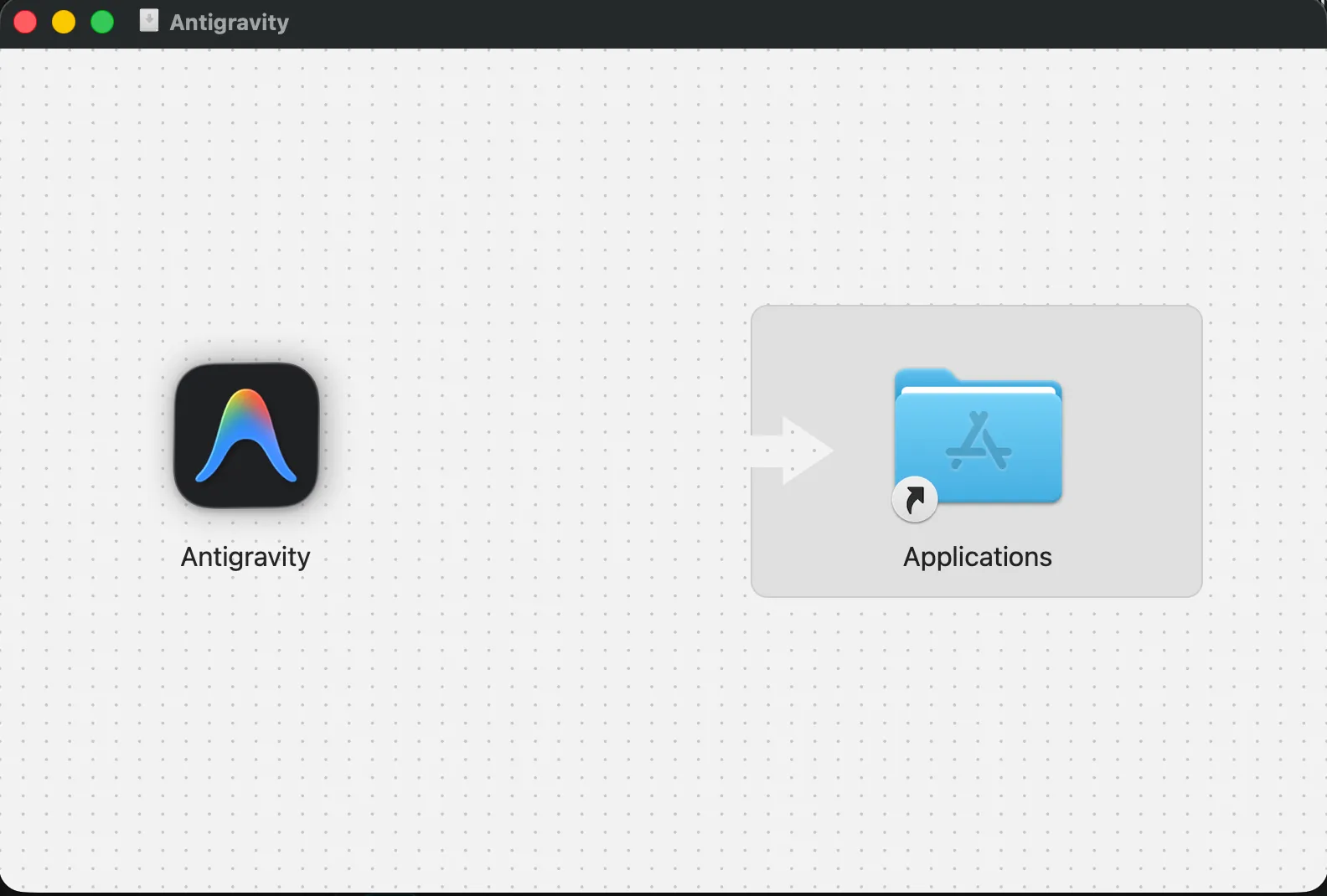
4. Launch the installer and follow the setup instructions.
5. Import your VS Code settings or start fresh and install the recommended extensions.
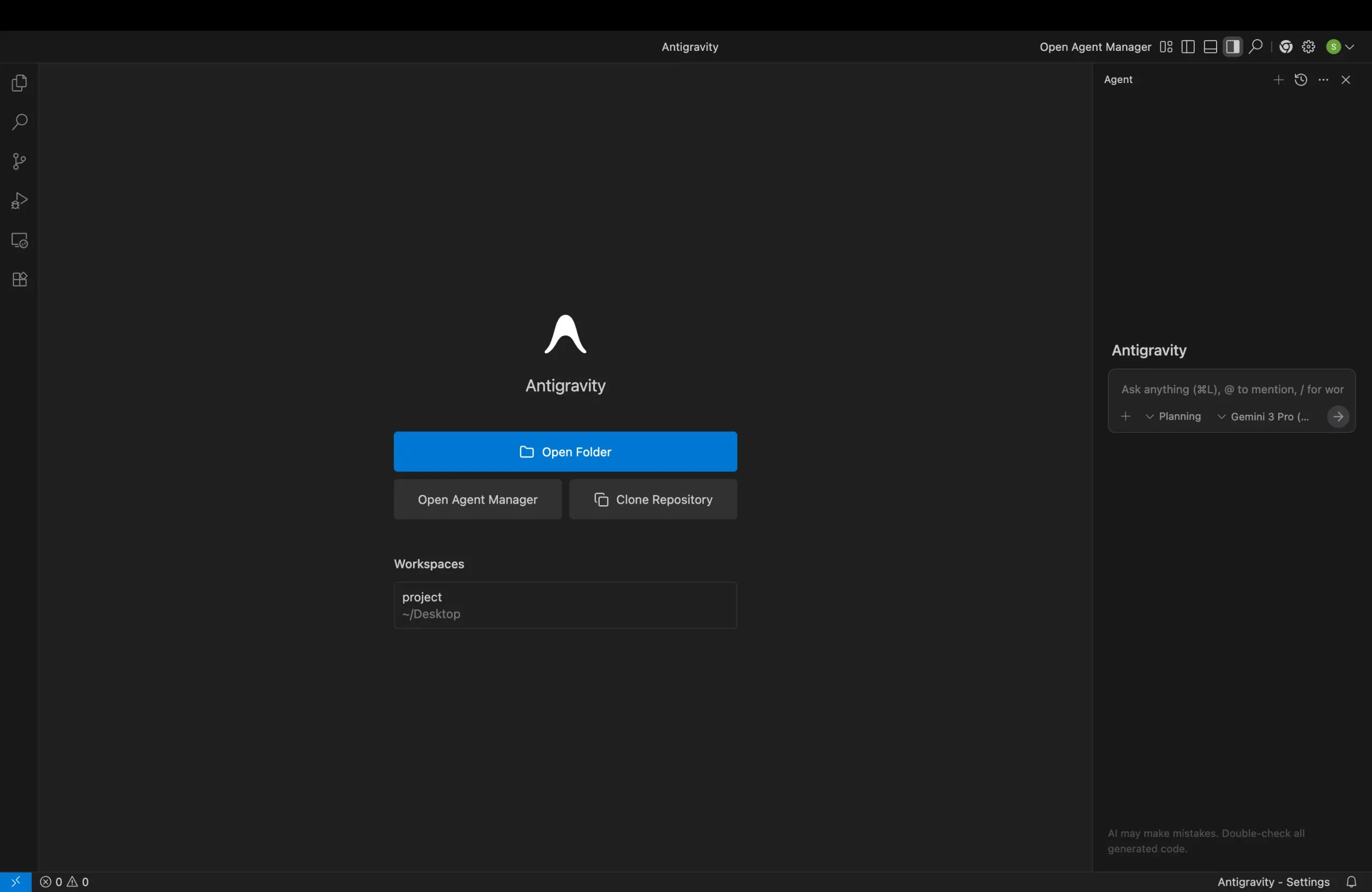
Hands-on Project: Vibe Coding with Google Antigravity
I literally just gave this prompt to Antigravity, and it built the entire app for me right from scratch:
Prompt: “Make a cool iPhone UI where I can use Spotify on that phone to listen to music, then also play Flappy Bird in the background, surf between the apps, and use Instagram Reels where I can see the videos I have given and like or comment on them. The video IDs are sj_soumil, @Toon AI PR Export.mp4, and @Gambo AI PR Export.mp4.”
This is how Antigravity turned my idea into reality:
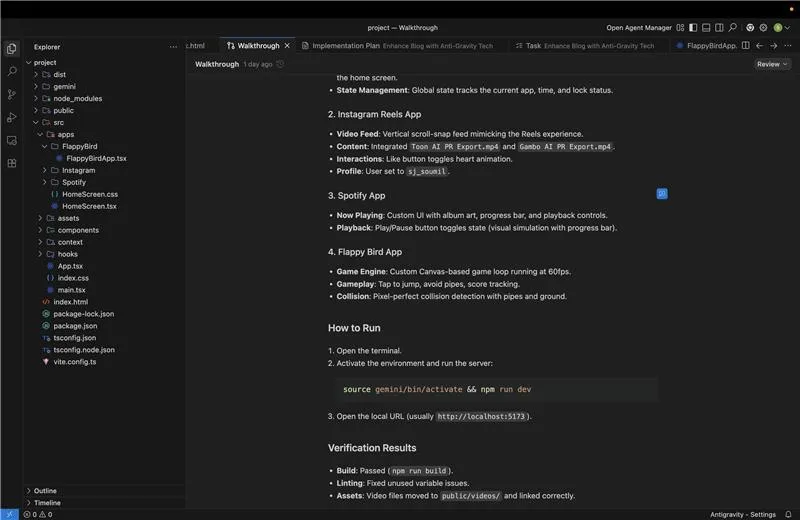
- Core Architecture: Created a realistic iPhone frame component with an operational Home Screen and OS state management to switch between applications and show time.
- Instagram Reels: Created a vertical scroll video feed specifically integrating my YouTube shorts videos, I provided. It also created my user profile as sj_soumil and added like/comment functionality for interaction.
- Spotify App: Built a complete functioning music player with custom playlists and real audio playback.
- Flappy Bird: Created a playable game from scratch using HTML5 Canvas, including physics, collision detection, and keyboard controls, using the spacebar to jump.
- Polish: Improved the aesthetics with smooth transitions, responsive design, and an elevated feel to create the iPhone experience.
- Here is the Output:
How Antigravity Helped
Antigravity clearly isn’t just a code completion tool. It is a pair programmer that understands the broader context of my project in the following ways:
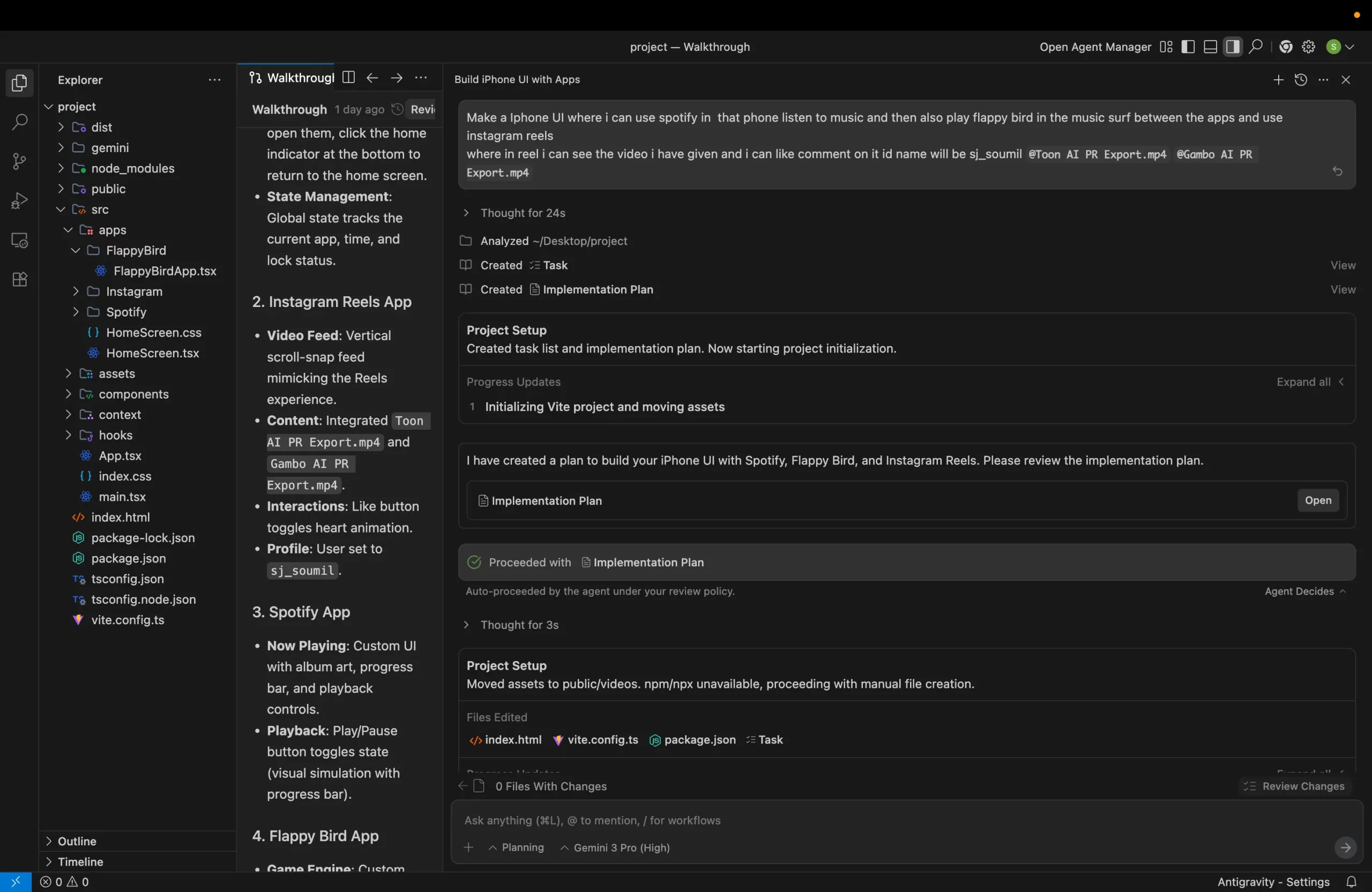
1. Agentic Workflow
Antigravity managed the project through a structured workflow, planning tasks, creating implementation plans, and executing them step-by-step.
2. Context Awareness
It understood the goal of creating a “premium” and “cool” feel, ensuring the design choices reflected that intent.
3. Complex Task Execution
From setting up the initial project structure to implementing game logic for Flappy Bird and the media player for Spotify, Antigravity handled complex coding tasks across multiple files.
4. Seamless Collaboration
The experience felt like working with a skilled engineer who could take high-level instructions and turn them into working code.
Conclusion
Google Antigravity just raised the bar in the arena of AI-assisted development. Challenge its competitors to improve on a significant level. With its innovative agent-first architecture, verifiable artifacts, and seamless integration. Antigravity allows developers to innovate faster and efficiently. As a planner, coder, and tester. Antigravity is the true partner for bringing your imagination into reality.
Frequently Asked Questions
It’s an “agent-first” AI-powered development environment from Google that lets smart agents use the editor, terminal, and browser to build software.
Yes, Gemini 3 is now available and powering Antigravity, in public preview form. You can read all about Gemini 3 here.
No. Google Gravity was an April Fools’ or novelty experiment, not a regularly maintained tool.
Yes! It’s a playful, novelty experience meant for fun rather than serious work.

I am a Data Science Trainee at Analytics Vidhya, passionately working on the development of advanced AI solutions such as Generative AI applications, Large Language Models, and cutting-edge AI tools that push the boundaries of technology. My role also involves creating engaging educational content for Analytics Vidhya’s YouTube channels, developing comprehensive courses that cover the full spectrum of machine learning to generative AI, and authoring technical blogs that connect foundational concepts with the latest innovations in AI. Through this, I aim to contribute to building intelligent systems and share knowledge that inspires and empowers the AI community.
Login to continue reading and enjoy expert-curated content.