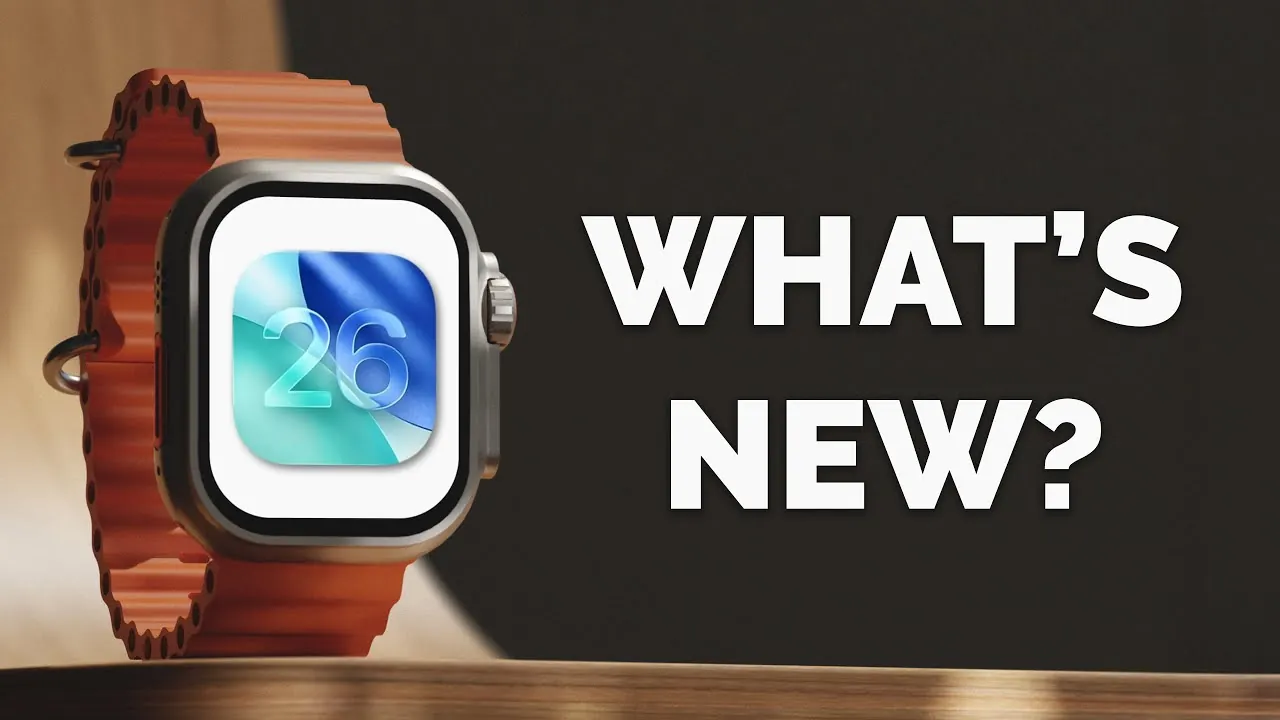
Apple’s watchOS 26 delivers a range of updates designed to enhance the overall Apple Watch experience. While it doesn’t introduce new changes, the focus on usability, personalization, and functionality makes it a valuable upgrade. If you own an Apple Watch SE (2nd generation) or newer, paired with an iPhone 11 or later running iOS 26, this update is tailored to meet your needs. The video below from Proper Honest Tech gives us more information on the latest watchOS software update.

Compatibility and How to Update
To take advantage of watchOS 26, ensure your devices meet the compatibility requirements:
- Apple Watch SE (2nd generation), Series 6 or newer, and all Apple Watch Ultra models.
- A paired iPhone running iOS 26, available for iPhone 11 and later models.
Updating is straightforward. Open the Watch app on your iPhone, navigate to the software update section, and follow the prompts for a smooth transition to the latest features. Making sure your devices are fully charged and connected to Wi-Fi will make the process even more seamless.
Refined Visuals and Interface
watchOS 26 introduces subtle yet impactful design enhancements that improve the overall user experience. These include:
- Refined fonts that enhance readability across the interface, making text easier to view at a glance.
- An updated lock screen with improved clarity, making sure key information is accessible without distractions.
- A reorganized control center, offering quicker access to essential functions like Wi-Fi, battery status, and Do Not Disturb mode.
- A redesigned Watch Face Gallery, simplifying the process of browsing and selecting watch faces. Whether you prefer a minimalistic design or a data-rich display, the gallery now caters to a wider range of preferences.
These updates aim to make navigation smoother and more intuitive, making sure that your Apple Watch feels more responsive and user-friendly.
Workout App: Smarter and More Personalized
Fitness enthusiasts will appreciate the significant upgrades to the Workout app, which now offers:
- Streamlined navigation, allowing you to customize workout views and set goals with ease.
- Real-time notifications that keep you informed about your progress during sessions.
- The introduction of “Workout Buddy,” an AI-powered fitness coach that provides personalized insights and encouragement based on your performance.
The AI assistant dynamically adapts to your fitness level, making sure you stay motivated and on track with your goals. Whether you’re training for a marathon or simply aiming to stay active, these enhancements make the Workout app a more effective tool for achieving your objectives.
Control Center and Widget Customization
Customization takes center stage in watchOS 26 with the addition of third-party widget support in the control center. This feature allows you to:
- Add widgets from your favorite apps, providing quick access to tools and information without navigating through multiple screens.
- Tailor your watch interface to suit your workflow and preferences, enhancing both functionality and personalization.
This update reduces the time spent searching for frequently used apps or features, making your Apple Watch a more efficient companion for daily tasks.
Improved Call Management
Communication becomes more efficient with new call management features, including:
- Call screening and hold assist, which integrate seamlessly with your paired iPhone, allowing you to manage calls directly from your wrist.
- Incoming call notifications that now include additional context, such as caller information or the purpose of the call, helping you decide whether to answer or screen it.
These updates are particularly useful when multitasking, making sure you can handle calls without interrupting your workflow.
Smarter Predictions with Smart Stack
The Smart Stack feature has been enhanced with a redesigned prediction algorithm, offering:
- More accurate and contextually relevant information, such as reminders, weather updates, and calendar events.
- Quick access to frequently used apps, making sure the data you need is always readily available.
This improvement enhances efficiency, making it easier to stay organized and informed throughout the day.
Dynamic Volume Adjustment
One of the most practical additions in watchOS 26 is dynamic volume adjustment. Your Apple Watch now:
- Automatically adjusts notification, Siri, and call volumes based on ambient noise levels.
- Ensures important alerts are audible without causing disruptions in quieter environments.
This feature enhances usability in various settings, from busy streets to quiet offices, making sure you never miss an important notification.
Expanded Gesture Controls
Navigation becomes more intuitive with enhanced gesture controls, including:
- The new “Wrist Flick” gesture, which lets you return to the home screen with a simple motion.
- Expanded functionality for existing gestures, such as double-tap, which now supports additional actions like pausing music or answering calls.
These updates make interacting with your Apple Watch faster and more seamless, reducing the need for physical interaction with the screen.
Notes App on Your Wrist
The Notes app is now available on Apple Watch, bringing productivity to your wrist. With this feature, you can:
- Access synchronized notes from your iPhone, making sure important information is always within reach.
- Create new entries using voice dictation, perfect for capturing quick ideas or reminders on the go.
This addition is ideal for users who rely on their Apple Watch for productivity and organization.
Messages App: Enhanced Communication
Messaging sees notable improvements with updates to the Messages app, including:
- Chat backgrounds that sync with your iPhone settings, creating a cohesive look across devices.
- A new polls feature, allowing group chat participants to vote directly from their watches, simplifies decision-making.
These enhancements make conversations more dynamic and engaging, making sure your Apple Watch remains a versatile tool for communication.
watchOS 26: A Meaningful Upgrade
watchOS 26 emphasizes incremental improvements that enhance usability, personalization, and convenience. From the AI-powered fitness coach and dynamic volume adjustment to expanded gesture controls and smarter predictions, this update ensures your Apple Watch continues to be an indispensable tool in your daily life. Whether you’re managing tasks, staying active, or communicating on the go, watchOS 26 solidifies its role as a versatile companion for work, fitness, and beyond.
Explore further guides and articles from our vast library that you may find relevant to your interests in watchOS 26 features.
Source & Image Credit: Proper Honest Tech
Filed Under: Apple, Gadgets News, Guides, Top News
Latest Geeky Gadgets Deals
Disclosure: Some of our articles include affiliate links. If you buy something through one of these links, Geeky Gadgets may earn an affiliate commission. Learn about our Disclosure Policy.