- The Google Home app has received an update with some handy new features
- Users can now access Google Home’s new automation editor function, as well as features like new hot water controls
- Google is also preparing for a big smart home launch event on October 1, when another app update will be unveiled alongside new devices
Google’s Gemini for Home event is right around the corner, and the company is giving the Google Home app a much-needed makeover to coincide with the announcement of its new range of smart home devices.
Google has shared details about the new features it’s just rolled out in the most recent app update (version 3.40), which we’ll dive into below. The company is also gearing up to roll out an even bigger update (version 3.41), but details of this won’t arrive until the day of the Gemini for Home event on October 1.
In addition to Google Home’s new features, the app has also received bug fixes to resolve layout issues when setting up devices as well as lock-setting accessibility issues.
Alongside Google Home’s next big update, we’re expecting the much-anticipated arrival of Gemini functions for smart home hardware. There’s also the matter of new Google Nest devices which we’ve been waiting years for, especially the rumored new Google Home Speaker, which is tipped to have a big 360 audio upgrade.
As mentioned, all will be unveiled during Google’s Gemini for Home event on October 1, so right now we can only venture a guess as to what we expect to be announced. But what we can share with you are the handful of new features in Google Home’s recent update, and they’re available for you to try out now.
1. Automation editor
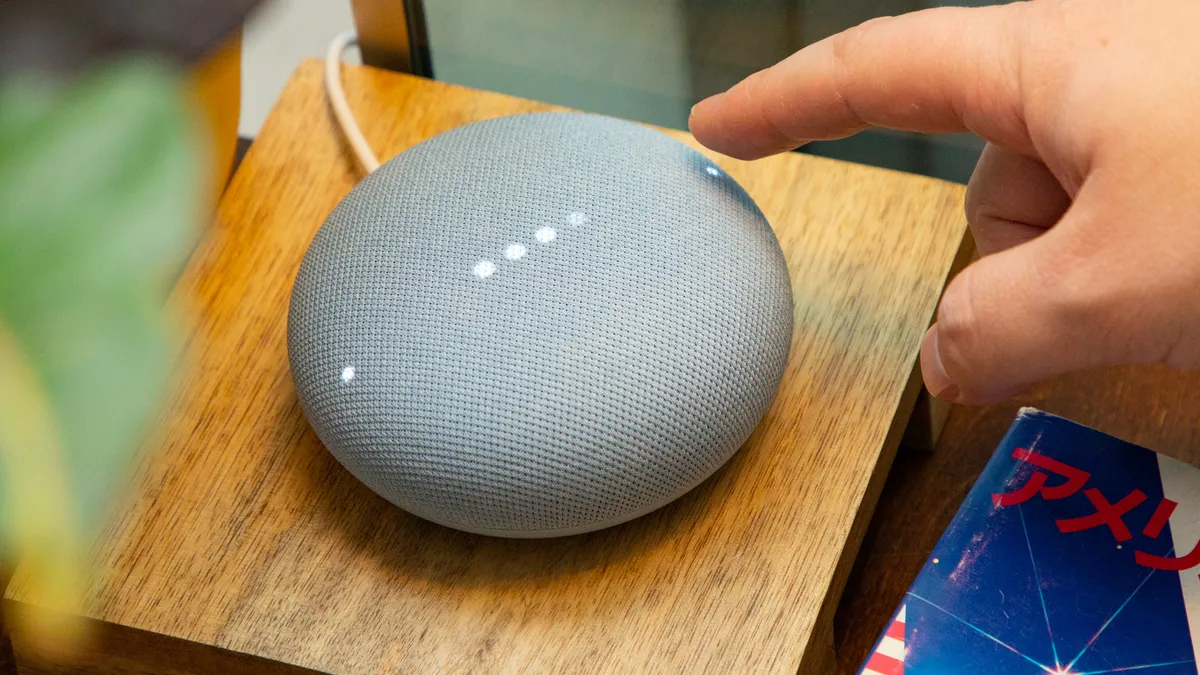
One of the most notable changes in the Google Home update is its new automation editor, upgrading the interface and introducing ‘conditions’ for the first time. You can now add conditions to automations such as days of the week, device status, and presence, making your automations “more personal and smarter than ever” according to Google.
2. New water controls and thermostat features

Google has upgraded support for older Nest Thermostat models by adding hot water controls and scheduling features for the first time. Its eco controls and outdoor temperature features have also been improved, however these functions are available to UK and EU users only.
3. Event filters
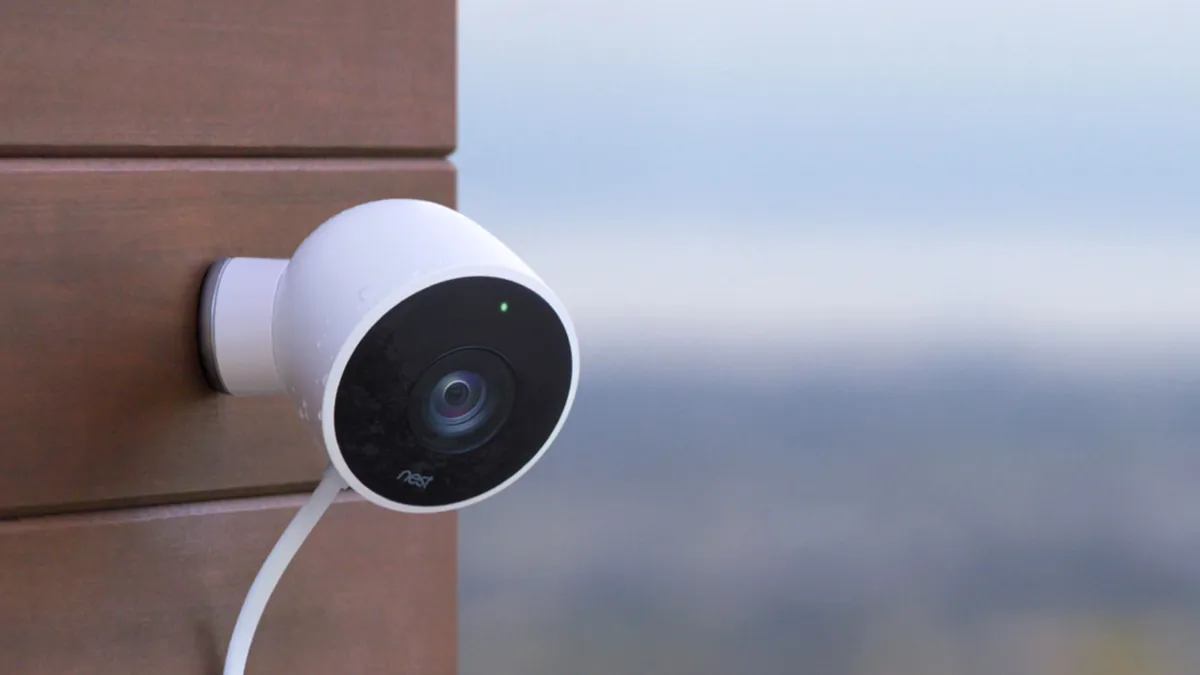
Users can now filter events directly from a camera’s events view by filtering event types including person, vehicle, and others. Though this is a new addition, the option to filter events in your Activity Tab is still there.
4. Suggested favorites

Have multiple devices logged in your Google Home app? The latest update gives you easier quick access to your most-used devices. If you don’t have any ‘favorites’ flagged, you can find suggested devices in the Favorites tab which can be edited at any time.