Freepik has unveiled Spaces, its latest creative platform – a node-based collaborative offering which lets teams create and refine AI assets
And, I have to say, it’s refreshing to see a new product release in this space, rather than a series of never-ending upgrades to the same old AI tools I’ve seen this year.
I got a chance to check out a hands-on demo of Spaces at the company’s Upscale event in Malaga with Martin LeBlanc, Freepik’s Chief Experience Officer, who showed me how it works and what it can do.
My first impression was a platform that’s fast, fluid, and easy to pick up even if you’ve never touched anything like Freepik Spaces before – so here are five essential takeaways creative professionals should know about the platform before they start.
1. It’s a cloud-based infinite canvas
Spaces works in your browser – and that means anyone can use it on any laptop or PC. This, LeBlanc told me, was a purposeful decision.
It’s no secret that Spaces is Freepik’s take on popular GUI app ComfyUI. However, one of the issues he highlighted was ComfyUI’s hefty hardware requirements, putting it out of reach for those using computers that aren’t equipped with the latest graphics cards.
Freepik’s all-in-one platform removes that barrier, and includes a host of top AI models that can be selected from a drop-down menu inside each node.
2. It’s designed to be accessible
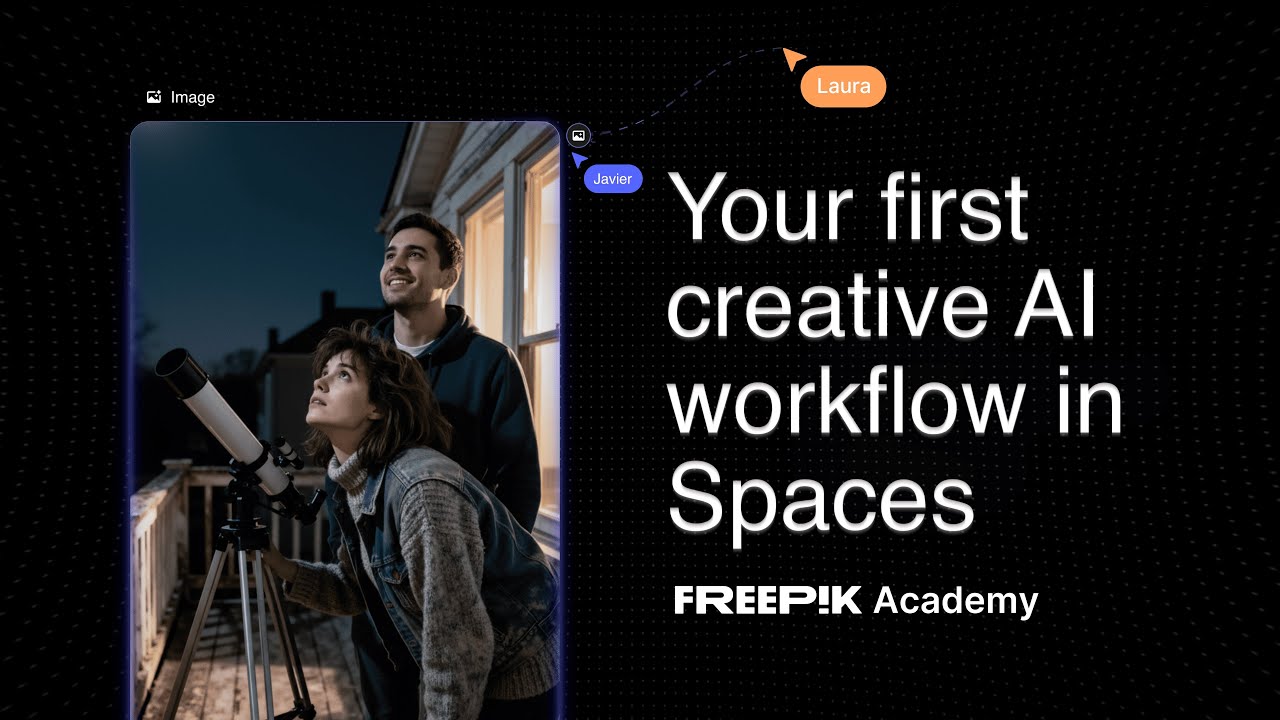
Watch On
Another issue LeBlanc mentioned when discussing ComfyUI was how intensive and even intimidating the workflows can be. And that’s something he’s hoping Spaces avoids.
He told me it’s designed for everyone from creative professionals to the social media intern to pick up and play, pointing to a nine-minute video tutorial (posted above) and telling me that anyone can watch this and get a good grasp of how to use Spaces. And I’d agree with that. Even during the demonstration, I was confident I could go to the Spaces site alone and start using it without any further assistance.
The overall accessibility is helped by the inclusion of an auto-mode. Instead of trying to figure out which is the best AI model to use for your image or video, you can let auto-mode determine the likely best candidate. Similarly, you can use the Assistant node to generate a better prompt to get the result you want, rather than doing it all yourself. For me, these tools open up the whole platform even to those who aren’t AI-obsessives.
3. It’s designed to work like your brain works
Likening it to a mind-map, LeBlanc explained that the node-based approach – effectively building up the workflow connecting blocks for prompts and AI generation – is a way to visually represent the way our brains work. It makes it easy to ideate and create, but also easier for others to follow and collaborate.
And it’s an idea echoed by Freepik CEO and co-founder Joaquín Cuenca, who told me, “Spaces is a visual representation of a sequence of actions taken with AI tools… Until now, this [creative] process has been almost invisible. So, Spaces is a visual language to encode that process in a way that you can remember.”
What I especially liked here is that you can generate a series of AI assets using different models against the same prompt. That’s good for creatives, but also on the collaborative side. You can then move forward with the results that fit the vision.
4. It’s free to use (sort of)
You can use Freepik Spaces without paying anything. But there are the usual limitations imposed on free users. In this case, you’re restricted to up to three Spaces and you’ll only have access to the same AI tools you can use in the free plan. And that doesn’t include AI generators.
In my experience, trying to do anything meaningful on the platform – say, uploading an image and linking it to the upscaler – only results in a box telling you to upgrade. Personally, I think that’s a missed opportunity to demo the platform’s full potential. But either way, while it’s technically free, to get the most out of Spaces you’re going to want to be a Freepik subscriber.
5. It delivers a productive workflow
With a lot of AI tools, once you begin the generation process, you have to down tools and wait. That’s not the case with Spaces. AI generation happens in the individual node, letting you and the rest of the team continue working on other ideas elsewhere on the canvas at the same time.
Likewise, if you make changes upstream – say, you find a more appropriate AI model or Assistant writes a better prompt – you can apply those changes to an individual node or to all nodes downstream of that. You don’t have to make a series of time-consuming changes.
I’d still recommend moving any AI assets into a photo editor or video editor to refine the output, but otherwise the promise of an all-in-one platform holds true.
You can check out Freepik Spaces by clicking here.

The best photo editors for all budgets
Follow TechRadar on Google News and add us as a preferred source to get our expert news, reviews, and opinion in your feeds. Make sure to click the Follow button!
And of course you can also follow TechRadar on TikTok for news, reviews, unboxings in video form, and get regular updates from us on WhatsApp too.