Mobile app development has grown enormously over the past few years. As more and more people around the world digitize their daily tasks, the need for mobile apps has skyrocketed. Success in this extremely competitive environment can be a reality depending on the support of a carefully cultivated mobile app development process.
Flutter for mobile Application Development
Idea for an app
If you don’t have an idea for an app, the best way to practice is to always think about things around you in terms of problems and potential ways to solve them. The next thing is to understand the problem you just identified. Think about why this problem exists and why no one has created an app to solve it. Once you have a deep understanding of the problem, you can start thinking about the solution you can provide to solve it.
Conceptualization and brainstorming
Your app idea starts to take shape and turn into a real project. Brainstorming starts with defining user cases, capturing detailed functional requirements. Once the requirements are identified, the preparation of the product plan begins. The plan will include the grouping of project requirements into deliverable milestones. This stage also includes a detailed study of your competitor’s app to help you figure out which features are missing from their app so you can include them in your idea to make it stand out.
Wireframing and UI/UX
Wireframes are conceptual layouts, also known as low-fidelity models. We start creating scenes and assigning individual functions and data. This is the user interface and user experience in the app. This is generally a multi-step process with many stages of review. UI/UX design gives you the design and visual direction that informs the engineer about the envisioned end product and how it should interact, feel, and flow.

Development and iteration
Mobile application development is an iterative process. We personally use the Agile Methodology, which basically means that you divide the entire project development work into smaller milestones and complete the application in a series of cycles. A typical mobile app development project consists of three integral parts backend/server technology, API, and frontend mobile app.
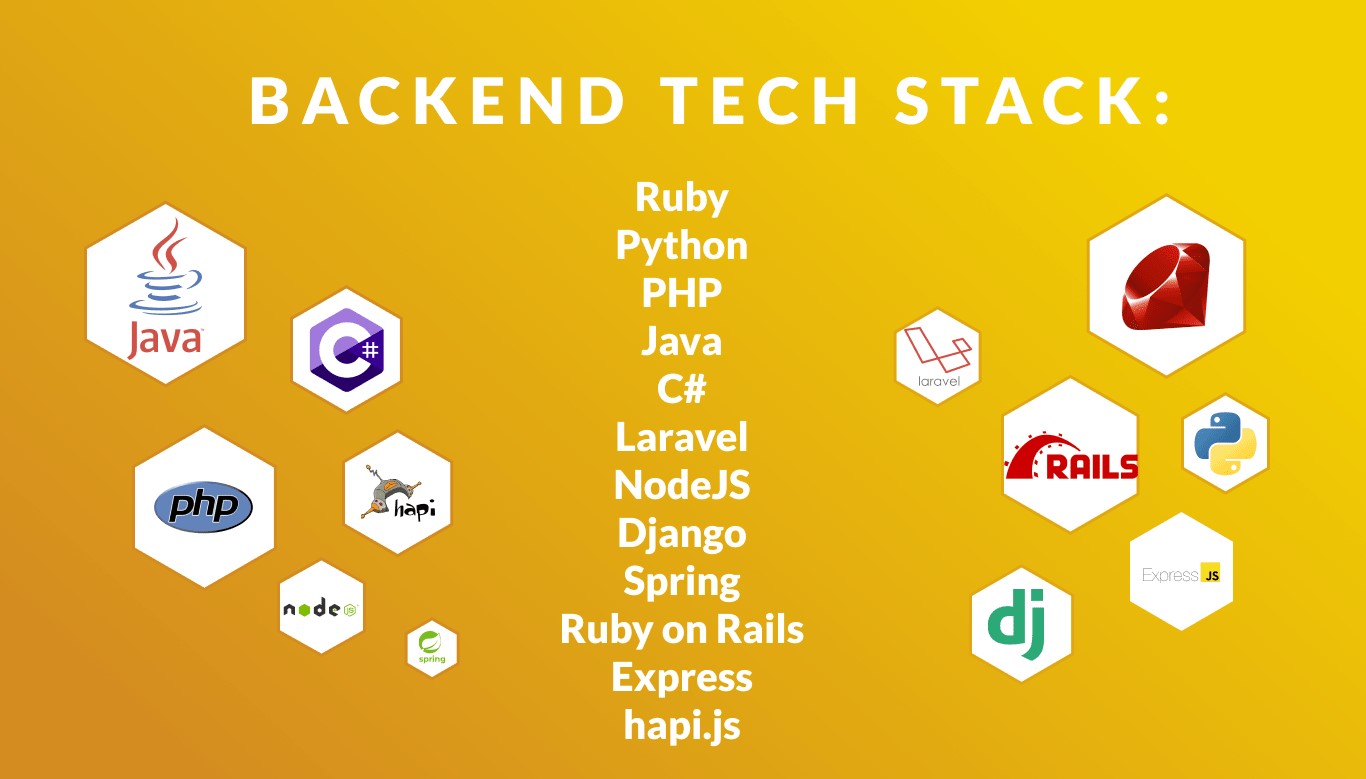
Back end
The backend contains databases and server-side objects important to support the functionality of your mobile application. The backend of your application stores and sorts information that the end user does not see.
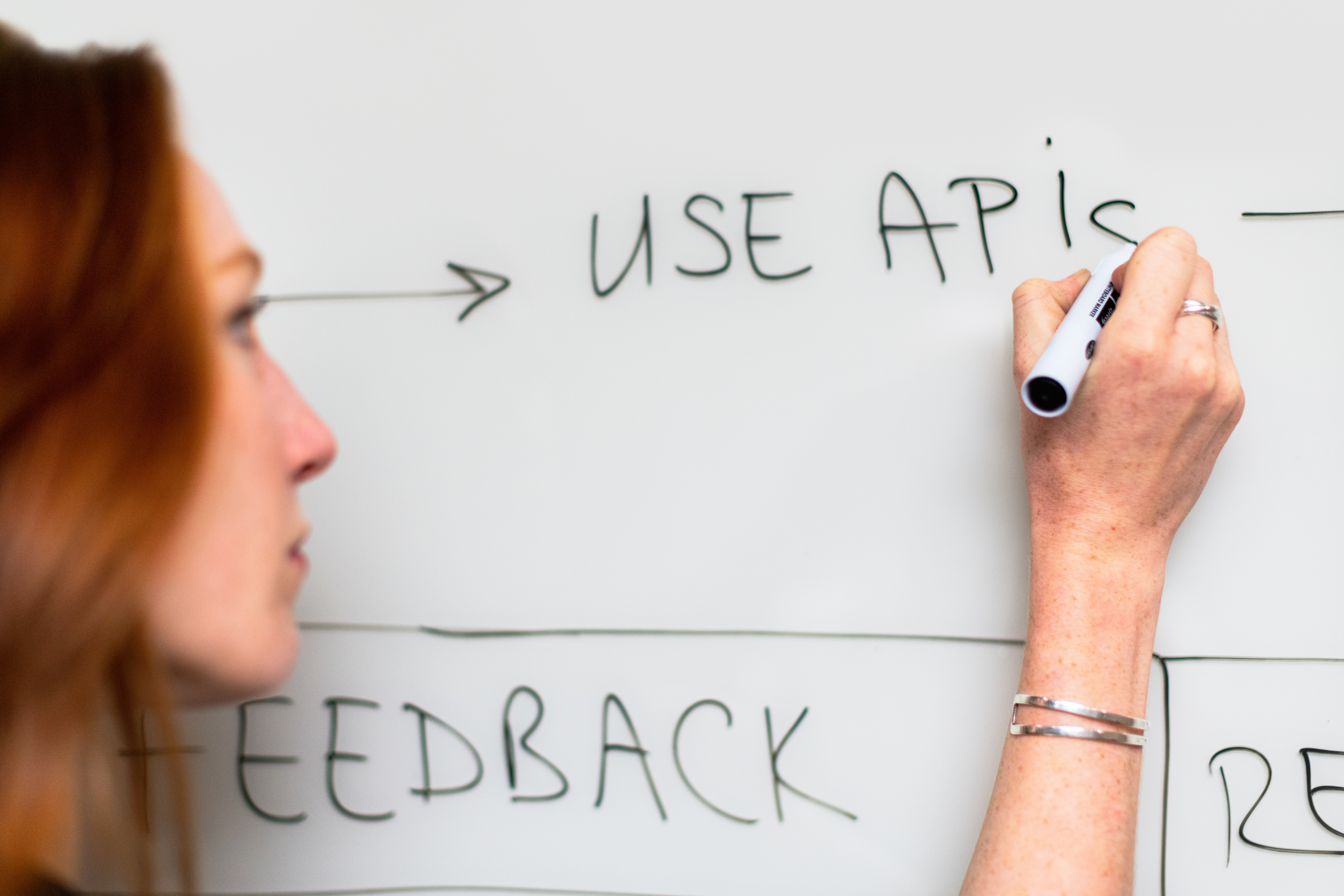
API
Application Programming Interface is a way of communication between the application and the backend.
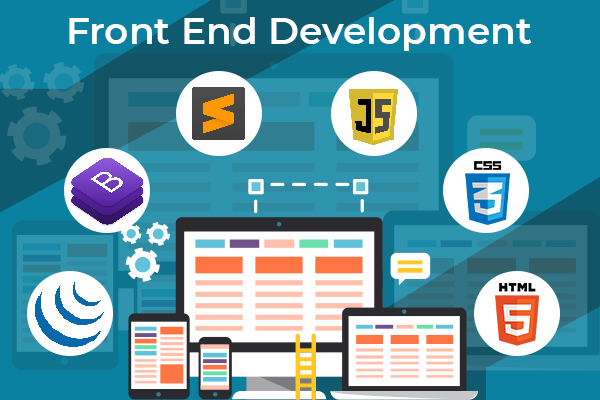
Frontend
The front end of the application is what the user will use. The application has a mostly interactive user experience that uses an API and backend for data management.
Deployment
Deploying an application to the world has two main components. The first is to deploy your web server to a production environment that is scalable. The second is to deploy the application to the Google Play Store and the Apple App Store.
Releasing an app to app stores requires metadata, including
- The name of the application.
- Description.
- Category.
- Keywords.
- Application icon.
- Screenshots from the App Store.
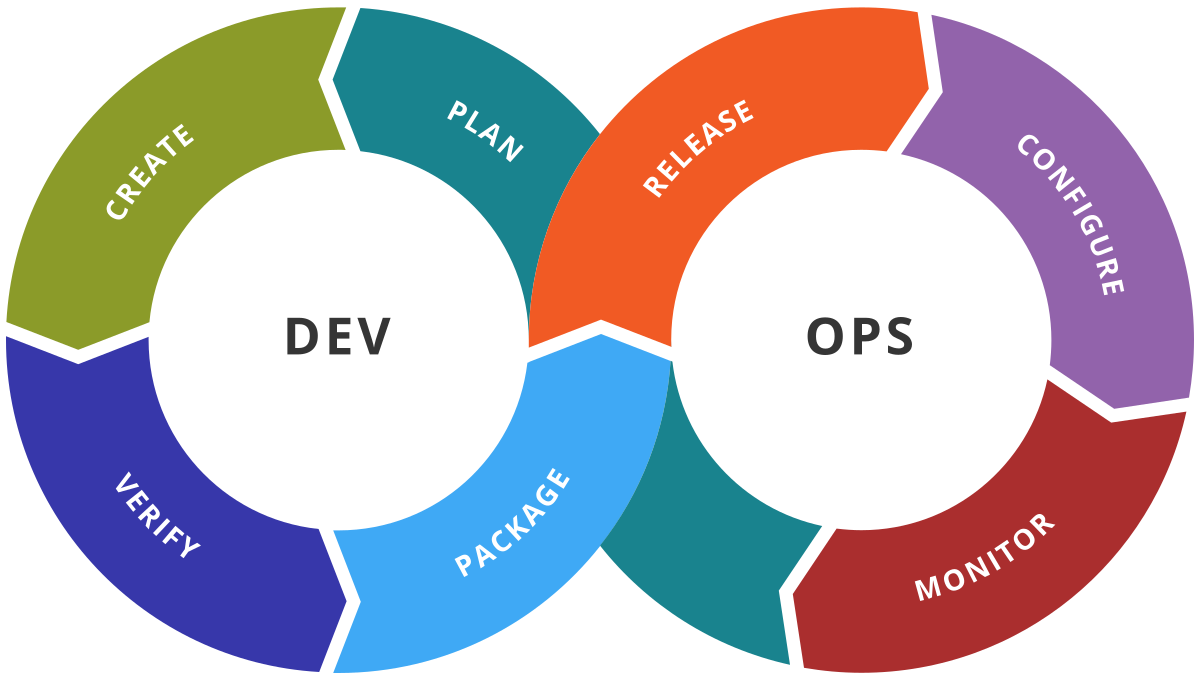
DevOps
Mobile app development involves the collaboration of multiple team members moving the app to multiple servers, resulting in additional development time, costs, and customer dissatisfaction. DevOps bridges the gap between development and operations and overcomes the challenges of continuous software delivery.
Conclusion
The entire mobile app development process can seem overwhelming. There are a number of difficult decisions and steps to follow during the process.