When we browse the internet using Google Chrome, Safari, Firefox or Opera, there’s an option that promises privacy called Incognito Mode or Private Browsing, depending on which browser you’re using.
Now, you might assume (no judgement) that because these options say “incognito” or “private”, it means no one can see what you’re doing. That you’re off the grid and browsing in complete secret. But not so fast.
Private browsing only hides certain things, and not always the ones you expect from who you might expect. So what does it actually protect you from – and what doesn’t it? We asked cybersecurity experts to explain.
The myth
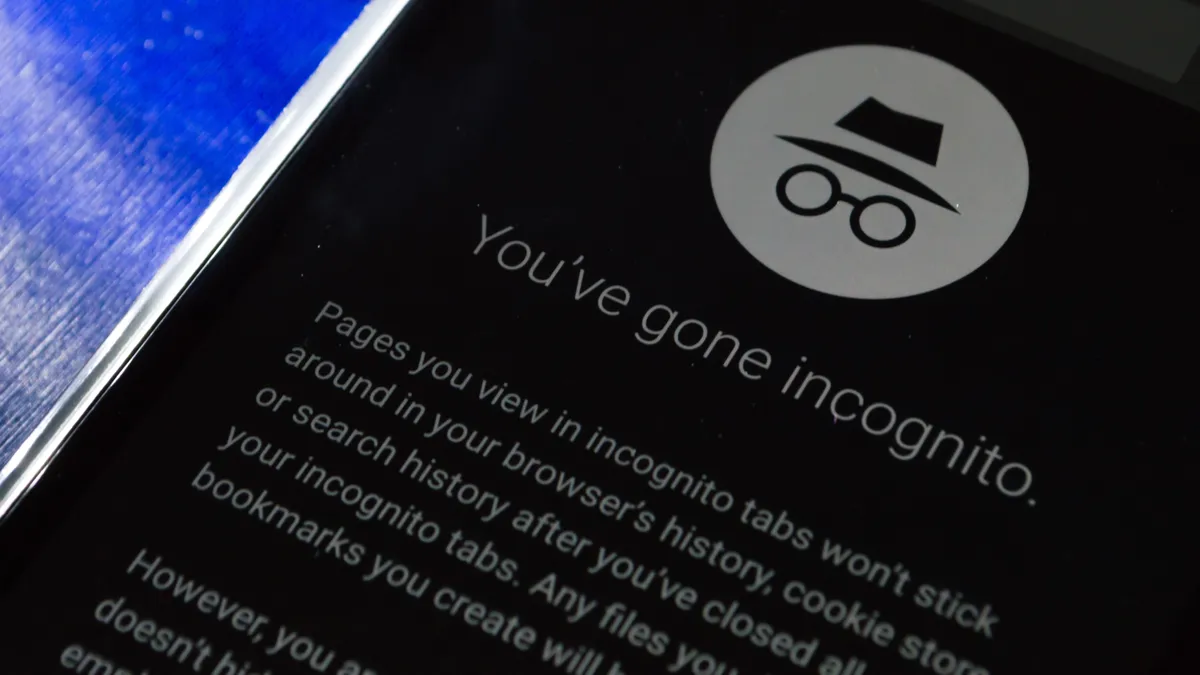
Many of us might assume that Incognito Mode makes your browsing completely private – that no one, anywhere, can see what you’re doing. Not your employer, your internet provider or the websites you visit. You’re private, right? You’re incognito.
It’s easy to see why that idea stuck. Everything about private browsing looks secretive. Chrome’s little spy icon, the dark window, the reassuring messages, like “no history will be saved.” It feels like you’ve stepped into stealth mode.
But in reality, Incognito Mode was never designed to make you anonymous online. This misunderstanding is so widespread that even Google has faced lawsuits over users claiming they were misled about the level of privacy that Incognito Mode offered.
What experts say

So, is Incognito Mode actually private? “It depends on your definition of ‘private’,” says János Moldvay, VP of Measurement at marketing intelligence platform Funnel. “Incognito Mode primarily protects you against being spied on by people you might share your computer with. That’s the main extent of user privacy.”
TL;DR

Incognito Mode hides your browsing history from others who use your device, not from the internet. Websites, employers, and ISPs can still track you unless you use extra tools, like VPNs.
In other words, it’s designed to keep your local history clear and any forms or account details you’ve filled in clear too, not to make you totally anonymous. “Incognito Mode does not protect against online tracking or surveillance,’ Moldvay says.
He tells me that third-party cookies are blocked – those are the small data files advertisers use to track you between sites and build up a profile of your browsing habits. But otherwise, websites can still see plenty. “They can detect your device and browser specifications, which could be used for fingerprinting – a method to identify users,” he tells me. “They can also see your IP address, your internet service provider, load tracking scripts to track users, and view any login and account data you enter.”
So where does this myth come from? “Obviously the names used by the browsers imply they’re private,” says Lee Gilbank, Co-Founder and Director of cybersecurity company YorCyberSec. “Chrome has Incognito, Edge has InPrivate, and both Firefox and Safari call it Private Browsing. Three out of four literally say ‘private’, so it’s easy to see why people assume that means total privacy.”
The visual cues reinforce that impression too. “There’s also the fact that there’s no browsing history and you get pop-ups saying ‘third party cookie blocked’ or ‘blocked ads’, which all adds to the idea that the browsing session is completely secure,” Gilbank says.
But there are things you can do if you want more privacy. “To start with, there are browsers that offer stronger privacy by default,” Gilbank explains. “Brave and DuckDuckGo both block cookies, trackers and sometimes even mask your IP address automatically.”
For deeper anonymity, choosing one of the best VPNs is your best bet. “If you don’t want to give away information like your IP address or ISP details, use a VPN,” Gilbank advises. “Many browsers now include built-in VPN options for a small fee, or you can use a dedicated tool like NordVPN, ExpressVPN or ProtoVPN.”
However, there are trade-offs. “VPNs can cause issues, such as slower browsing, limited functionality and certain sites even block VPN traffic,” Gilbank says.
So although Incognito Mode is handy for keeping your local activity private, not leaving any tracks on your device, it’s not a cloak of online invisibility. If you really want to browse anonymously, you’ll need to go further – check out our guide on how to private browse in Chrome on Windows, Android and ChromeOS for step-by-step guidance on exactly how to do that.
Follow TechRadar on Google News and add us as a preferred source to get our expert news, reviews, and opinion in your feeds. Make sure to click the Follow button!
And of course you can also follow TechRadar on TikTok for news, reviews, unboxings in video form, and get regular updates from us on WhatsApp too.