Samsung’s One UI remains at the forefront of smartphone customization, offering an impressive suite of tools designed to help you personalize your device. Whether you’re a casual user looking for simple tweaks or a tech enthusiast eager to explore advanced options, these features provide the flexibility to enhance both the appearance and functionality of your smartphone. In the video below, The Simple Dad delves into five standout customization options that can elevate your experience and make your device truly your own.

1. AI-Powered Image Transformation
Samsung’s AI-powered image transformation tool is a creative powerhouse for users who enjoy experimenting with visuals. Integrated into the “Now Brief” feature, this tool allows you to transform your photos—whether selfies, landscapes, or other images—into stylized works of art. You can choose from a variety of effects, including artistic filters, futuristic designs, and seasonal themes, to create unique visuals that stand out. These customized images can be used as wallpapers, shared on social media, or even printed for personal keepsakes.
What makes this feature particularly appealing is its seamless integration into Samsung’s ecosystem, ensuring both ease of use and data privacy. Whether you’re looking to add a personal touch to your device or explore new creative possibilities, this tool is a must-try for anyone who values visual expression.
2. Lock Screen Clock Customization
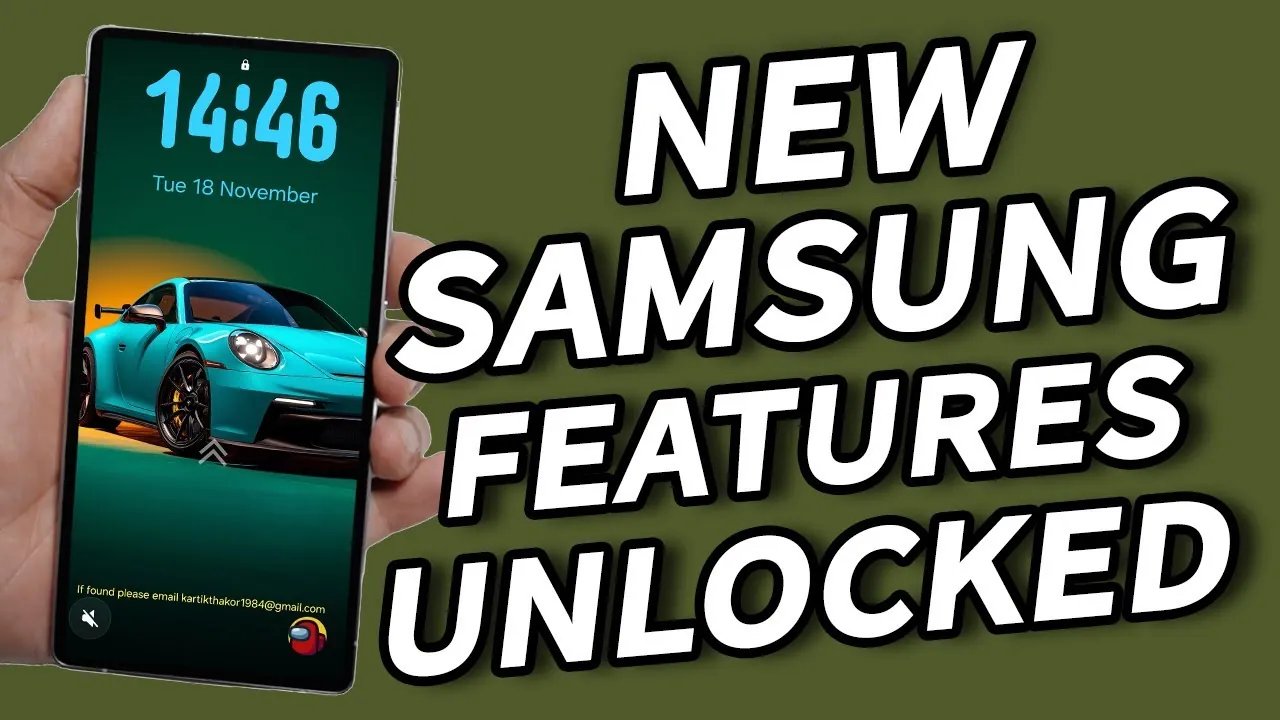
Your lock screen serves as the first impression of your device, and Samsung’s One UI now offers enhanced lock screen clock customization to give you greater control over its appearance. You can reposition the system clock, change its style, or even disable it entirely, allowing you to create a cleaner and more personalized look. This feature is especially useful if you want to highlight your wallpaper or incorporate third-party widgets without visual clutter.
Whether you prefer a sleek, minimalistic design or a bold, artistic layout, this customization option ensures your lock screen reflects your personal style. It’s a simple yet impactful way to make your device feel uniquely yours while maintaining functionality.
3. Quick Panel Icon Resizing
Samsung’s quick panel icon resizing feature strikes the perfect balance between functionality and customization. This tool allows you to adjust the size of icons in the quick settings panel, tailoring the layout to your specific needs. For example, you can opt for smaller icons to fit more options on the screen or larger icons for easier access and visibility.
This feature is particularly advantageous for users of larger devices, such as the Galaxy S25 Ultra or Z Fold models, where optimizing screen space can significantly enhance usability. By customizing the quick panel, you can streamline your device’s functionality while maintaining an aesthetically pleasing interface.
4. DIY Home Screen Customization
Samsung’s One UI provides extensive tools for home screen customization, allowing you to design a layout that perfectly suits your preferences. From resizing app icons and layering elements to advanced widget placement, the possibilities are nearly limitless. You can experiment with themes such as minimalistic, pastel, anime, or futuristic designs to create a home screen that truly reflects your personality.
This level of control ensures your device not only looks visually appealing but also functions in a way that complements your daily routine. Whether you’re organizing apps for productivity or creating a visually cohesive design, Samsung’s home screen tools empower you to make your smartphone experience both practical and stylish.
5. Oxygen OS-Style Lock Screen Theme
For those who admire the sleek aesthetic of Oxygen OS but prefer Samsung’s robust functionality, the Oxygen OS-style lock screen theme is an ideal solution. Samsung’s One UI allows you to replicate the polished design of Oxygen OS without the need for rooting or complex modifications. By combining personalized wallpapers, translucent widgets, and other design elements, you can achieve a premium lock screen experience that blends style with usability.
This feature is perfect for users who value both aesthetics and performance, offering the best of both worlds. With just a few adjustments, you can enjoy a modern, high-end look that aligns with your taste while benefiting from Samsung’s advanced features.
Personalize Your Samsung Experience
Samsung’s One UI continues to redefine smartphone customization, providing tools that empower you to make your device a true reflection of your personality and needs. From AI-powered image transformation to advanced lock screen and home screen modifications, these features cater to a wide range of preferences. Whether you’re focused on enhancing functionality, exploring creative themes, or achieving a minimalistic design, Samsung’s customization options ensure your device is as unique as you are. By using these tools, you can unlock the full potential of your Samsung smartphone and enjoy a tailored experience that fits seamlessly into your lifestyle.
Enhance your knowledge on Samsung One UI customization by exploring a selection of articles and guides on the subject.
Source & Image Credit: The Simple Dad
Filed Under: Gadgets News
Latest Geeky Gadgets Deals
Disclosure: Some of our articles include affiliate links. If you buy something through one of these links, Geeky Gadgets may earn an affiliate commission. Learn about our Disclosure Policy.